 Panora
Master Your Panora Workspace
Watch step-by-step guides on personalizing your home page, organizing files, and using built-in productivity apps.
Setting Your Home Page
Learn how to customize your calm desktop home dashboard in Panora. Discover how to switch between presets, arrange widgets (clocks, daily tasks, timers, calendars, habit trackers), pin your favorite files and folders, and style your background.
Watch directly on YouTubeMore Video Guides
Explore more features to build your focused daily productivity flow.
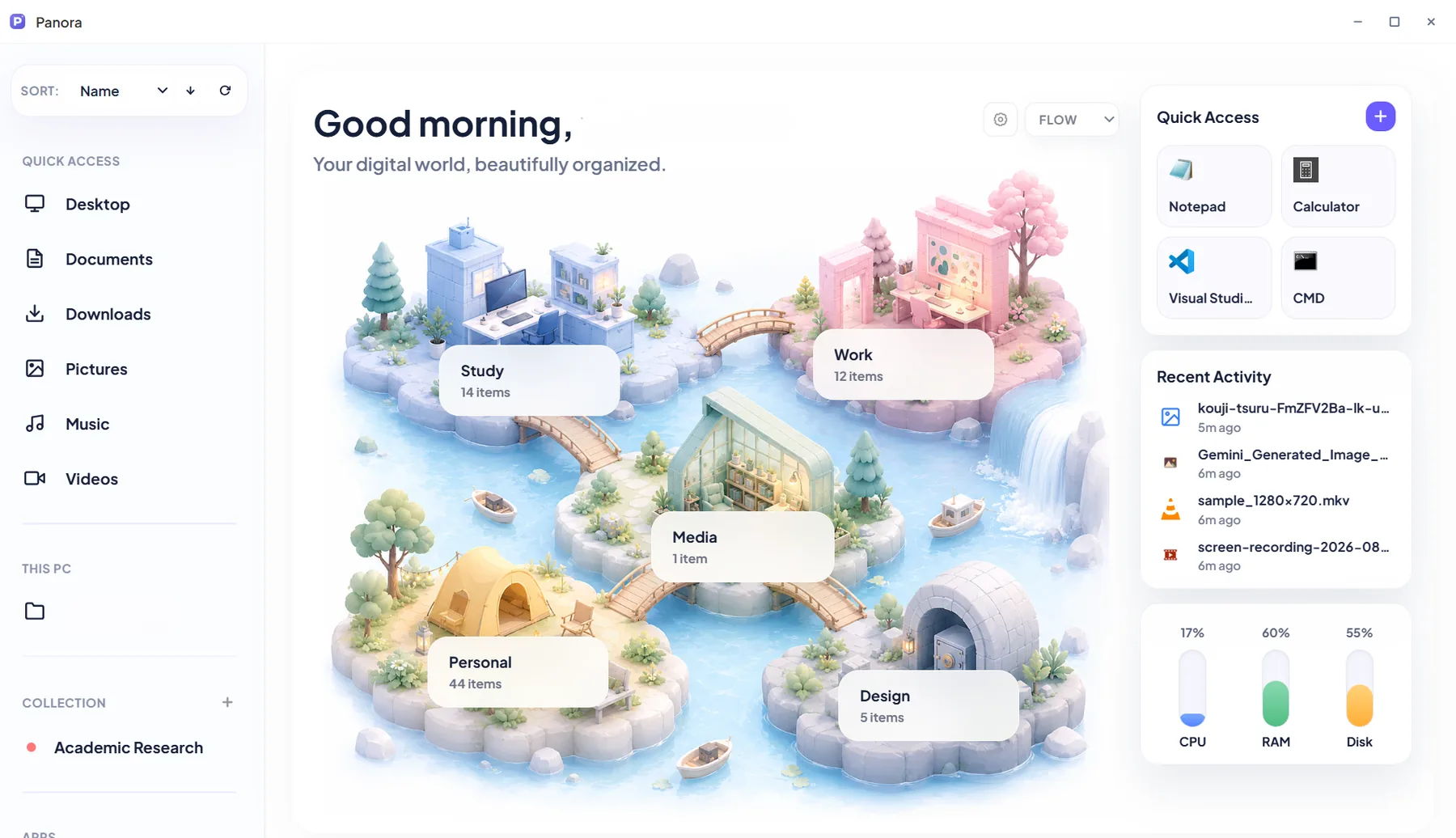
Customizing Folder Cards & 10 Icon Packs
Learn how to apply Fur plush, Flat, Low Poly, and Kawaii icon packs to your folders and desktop entries.
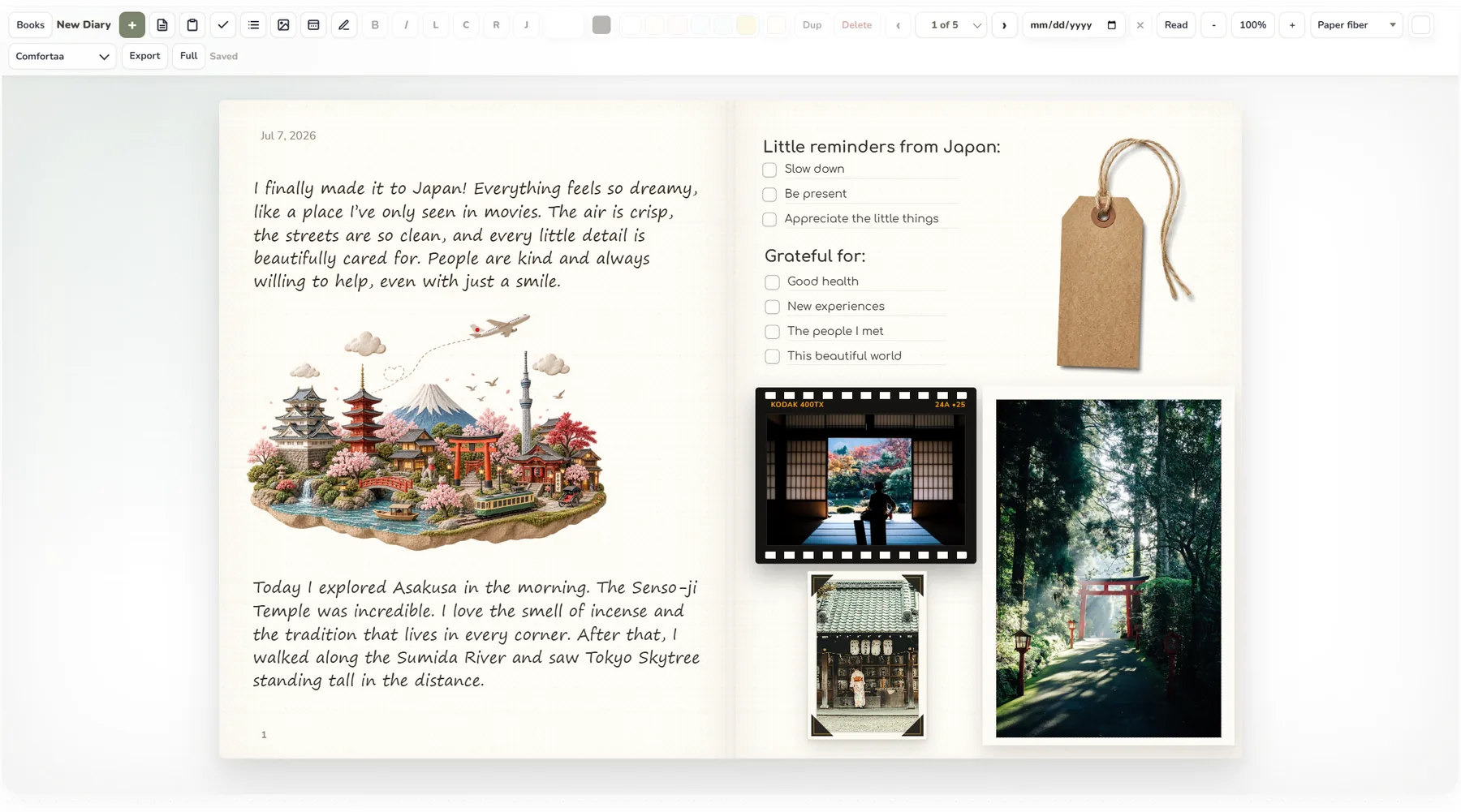
Creating Two-Page Paper Spreads in Diary
Drag photos, washi tape, polaroids, and checklists onto paper textures for personal journaling.
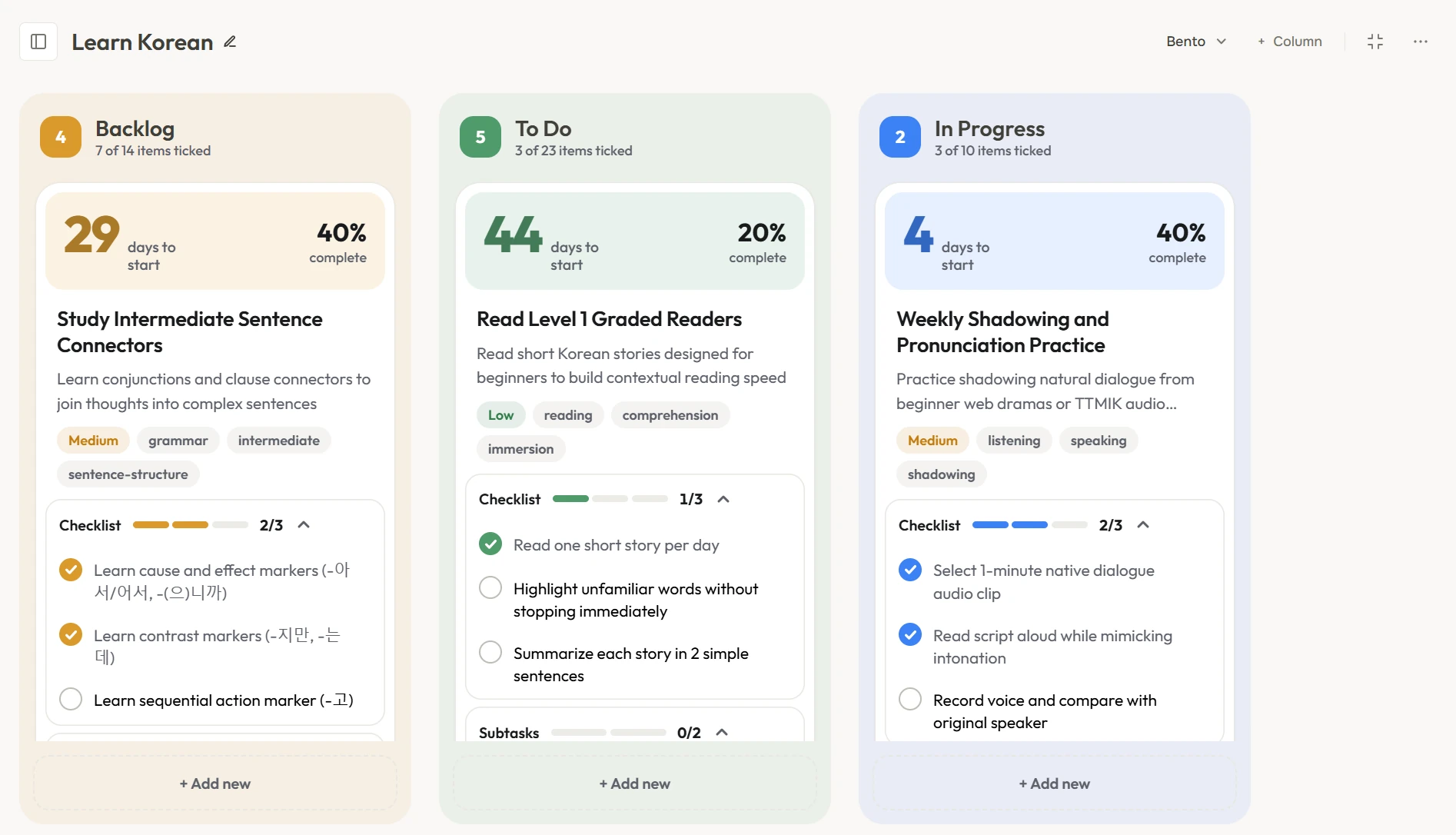
Kanban Boards & Milestone Goal Tracking
Organize projects, attach files directly to cards, and track timeline progress toward goals.
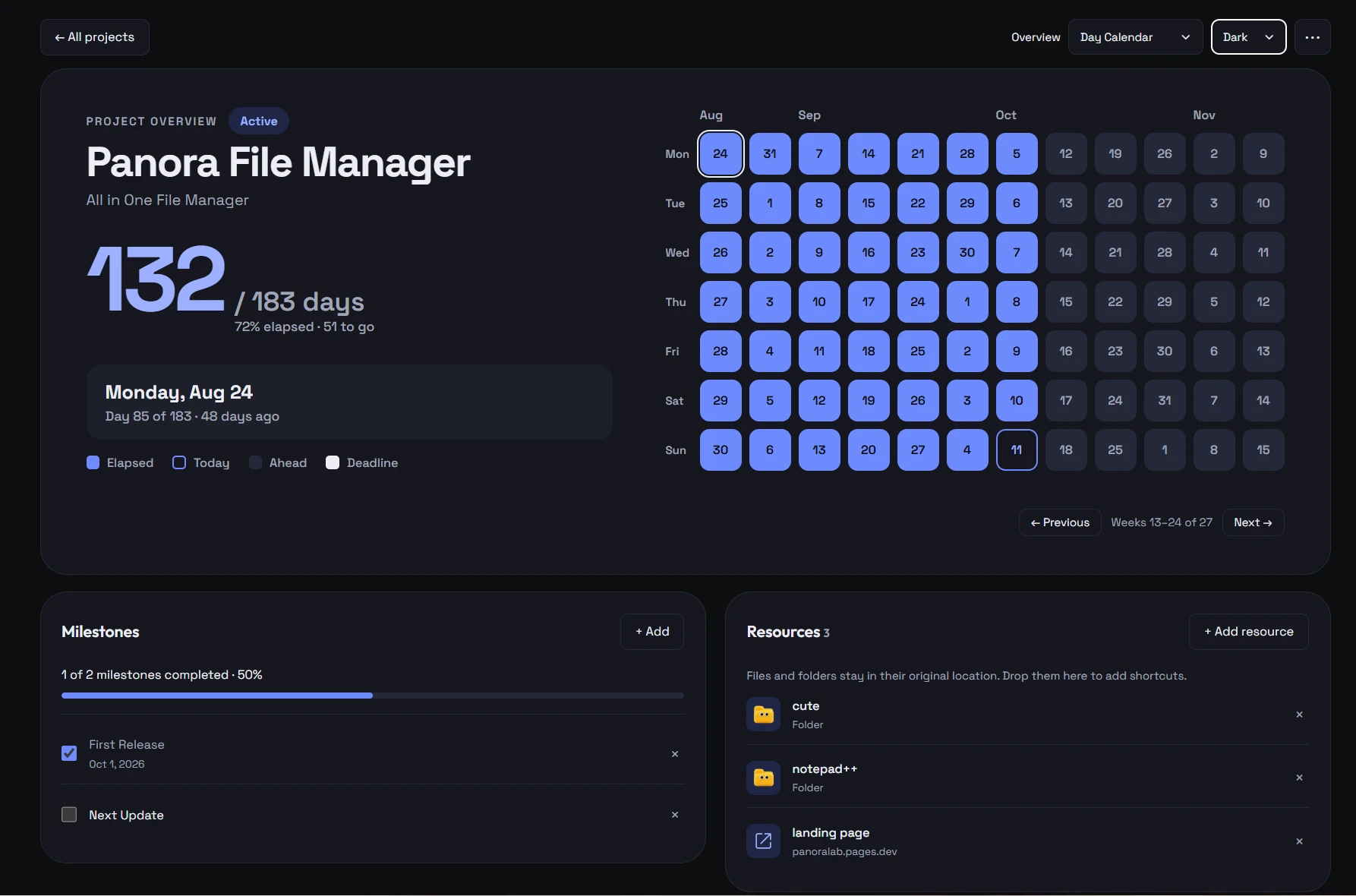
Projects Dashboard & Day Calendar Matrix
Track initiatives, deadlines, milestone checklists, and visual day matrix overviews in dark mode.
Your entire workspace in one beautiful app.
No subscription, no cloud account, no clutter. Panora gives you a fast local file manager plus 30+ productivity apps and tools in one window on Windows.