 Panora
Open any file. Edit it right there.
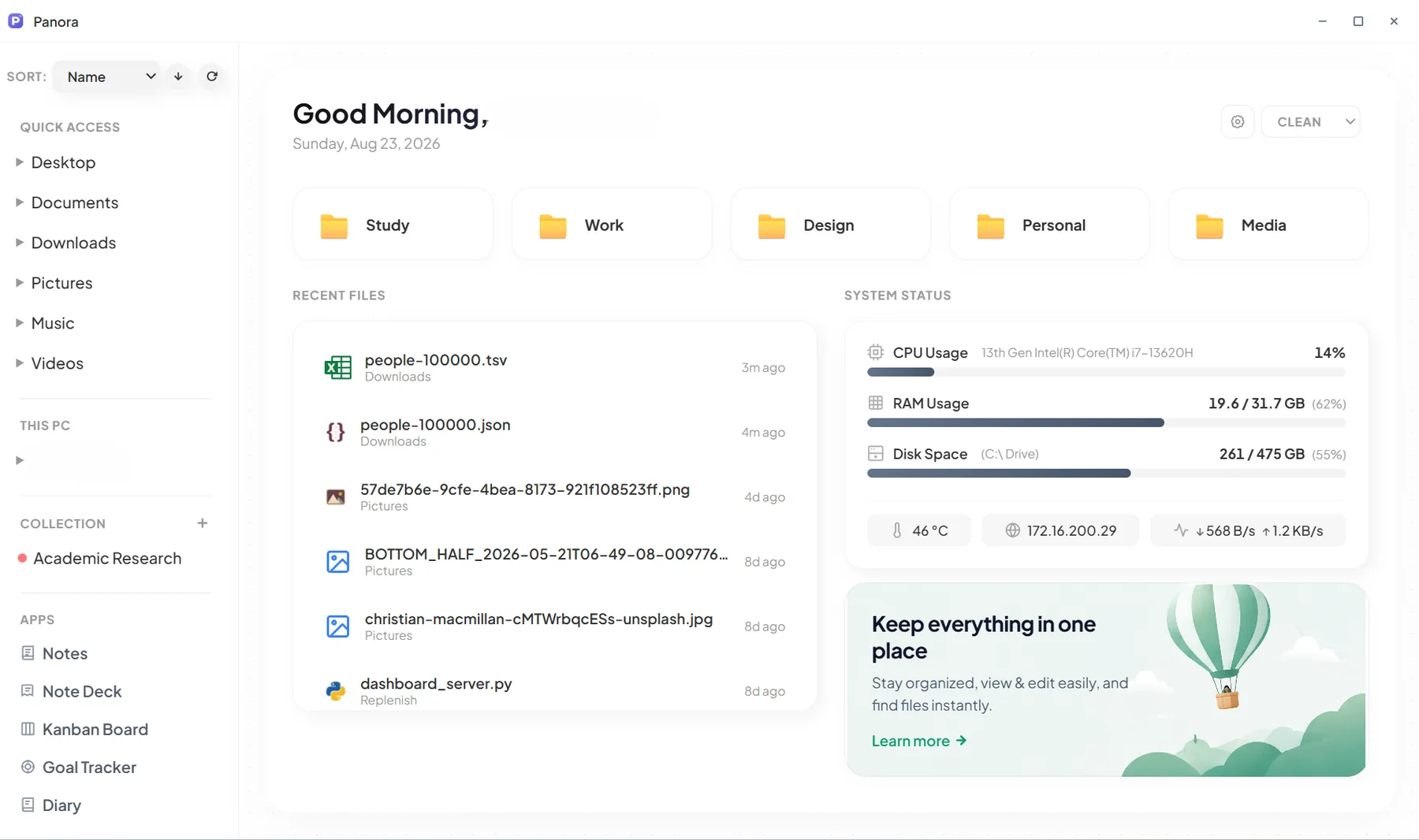
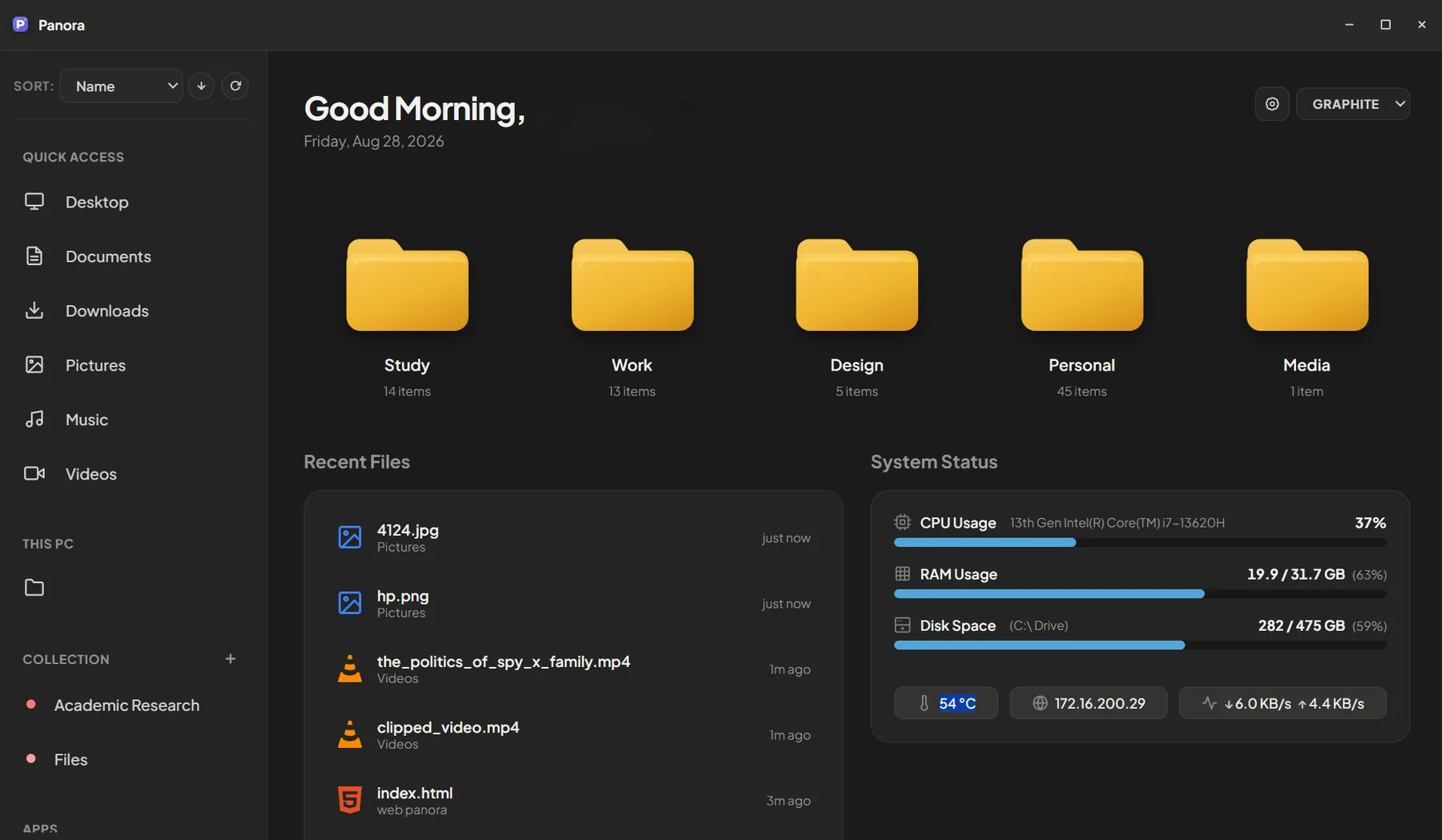
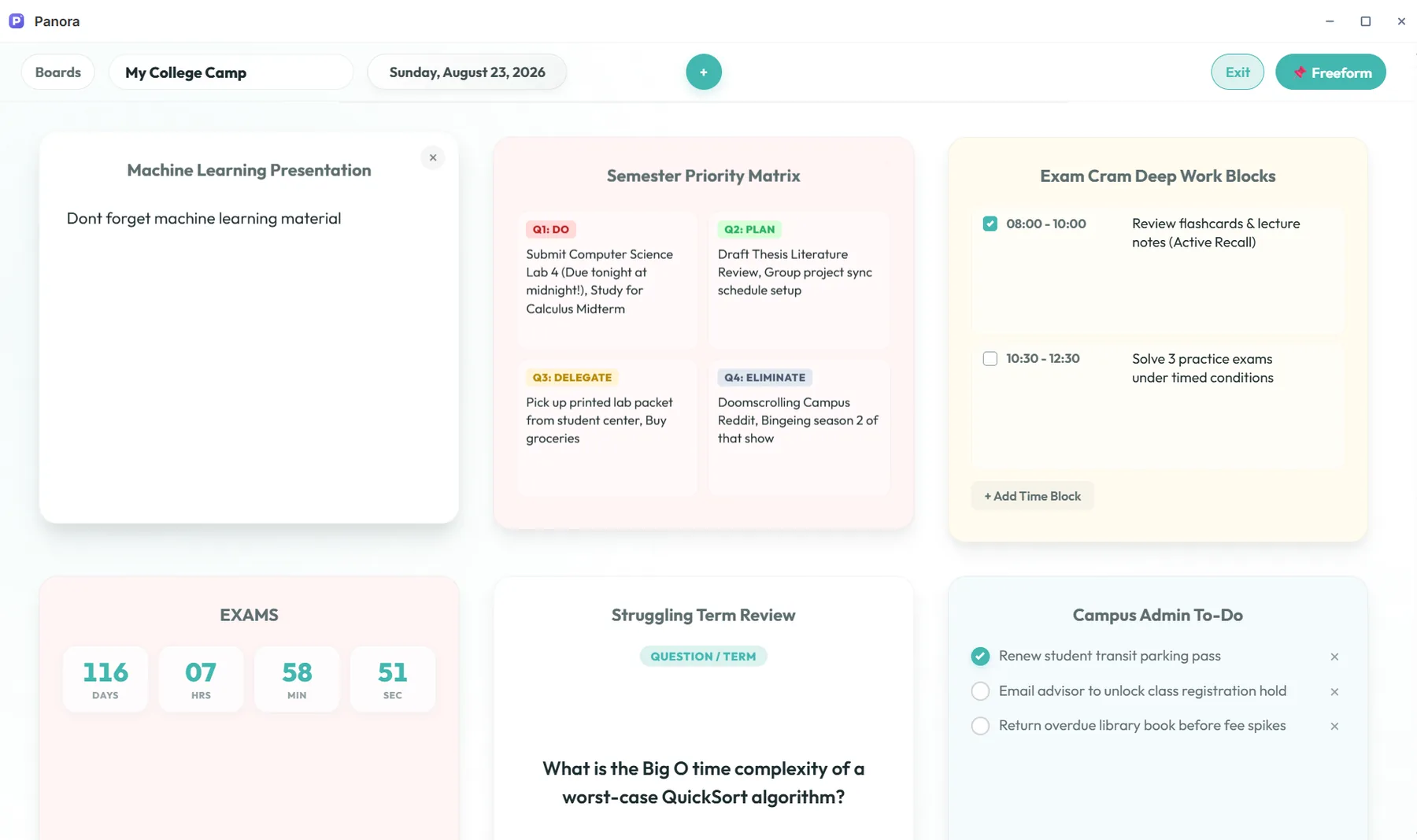
Panora is a file explorer that opens your files inside it. View and edit PDFs, spreadsheets, images, videos, Word documents, code and notebooks without launching another app. It also has built-in apps for notes, diary, kanban and goals, plus a Home screen of useful widgets: timers, calendars, habits, pinned files and more.
One app instead of a folder full of them
- File explorer
- Code editor
- Diary
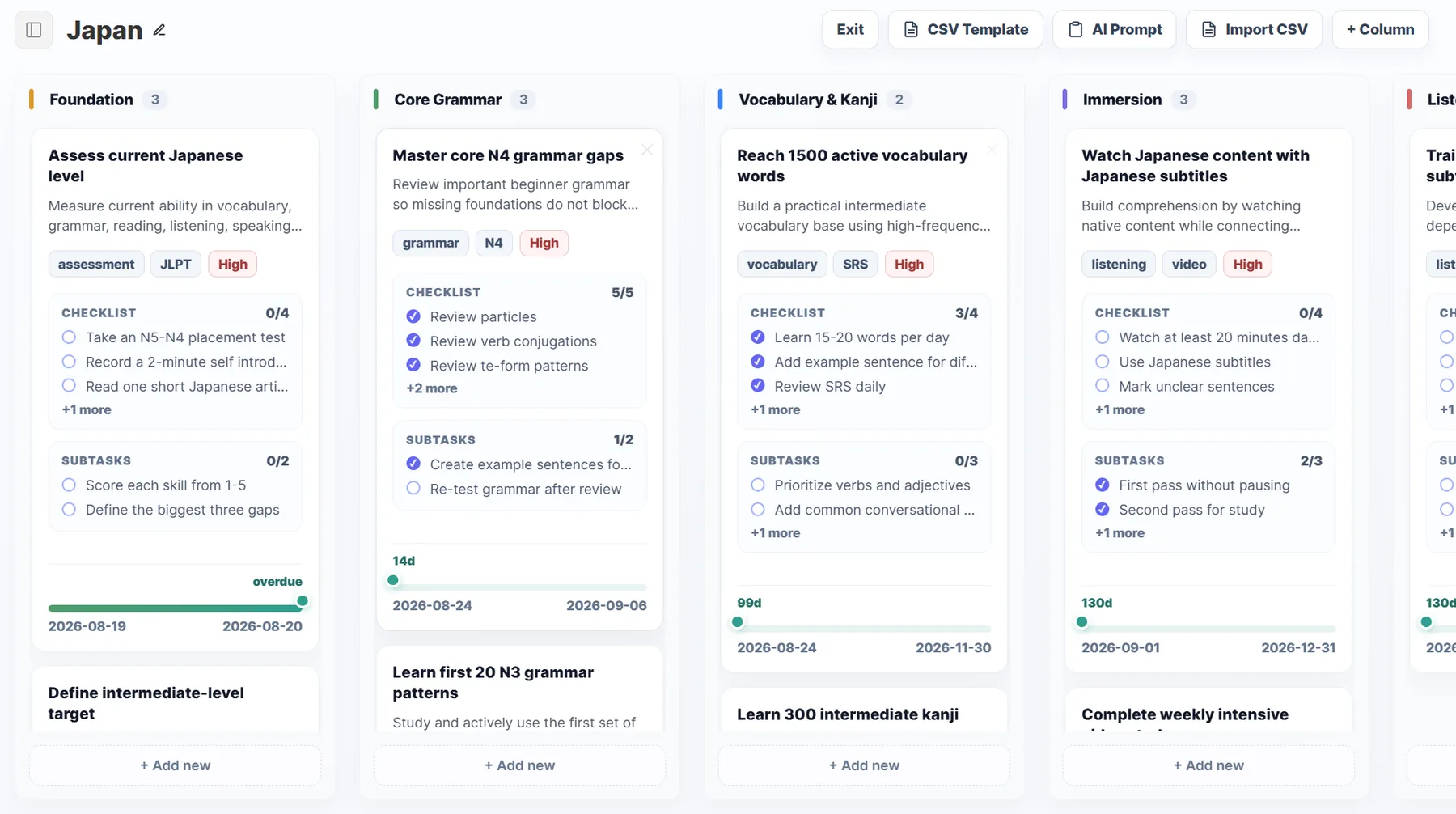
- Kanban
- Notes
- Note Deck
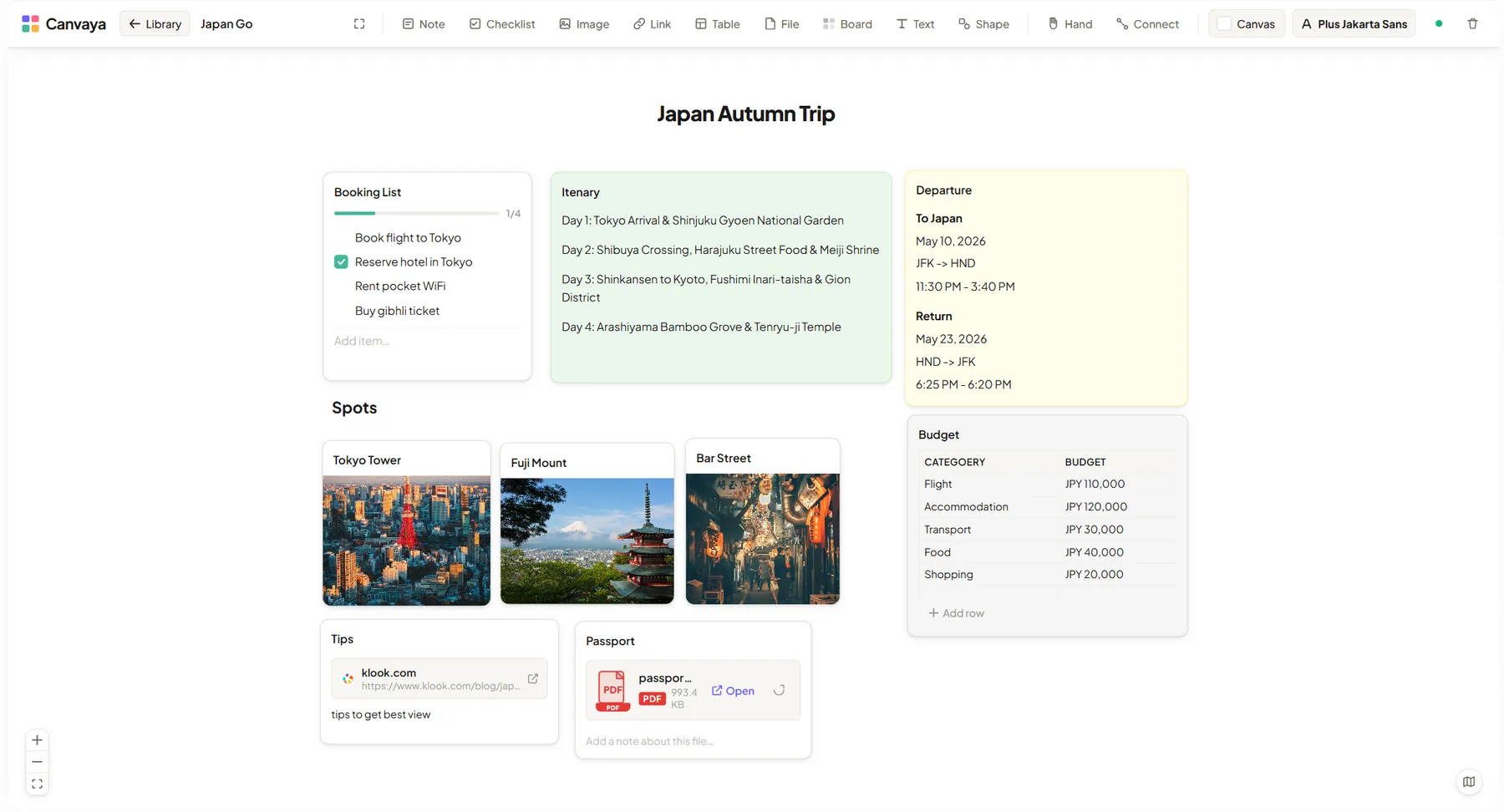
- Whiteboard
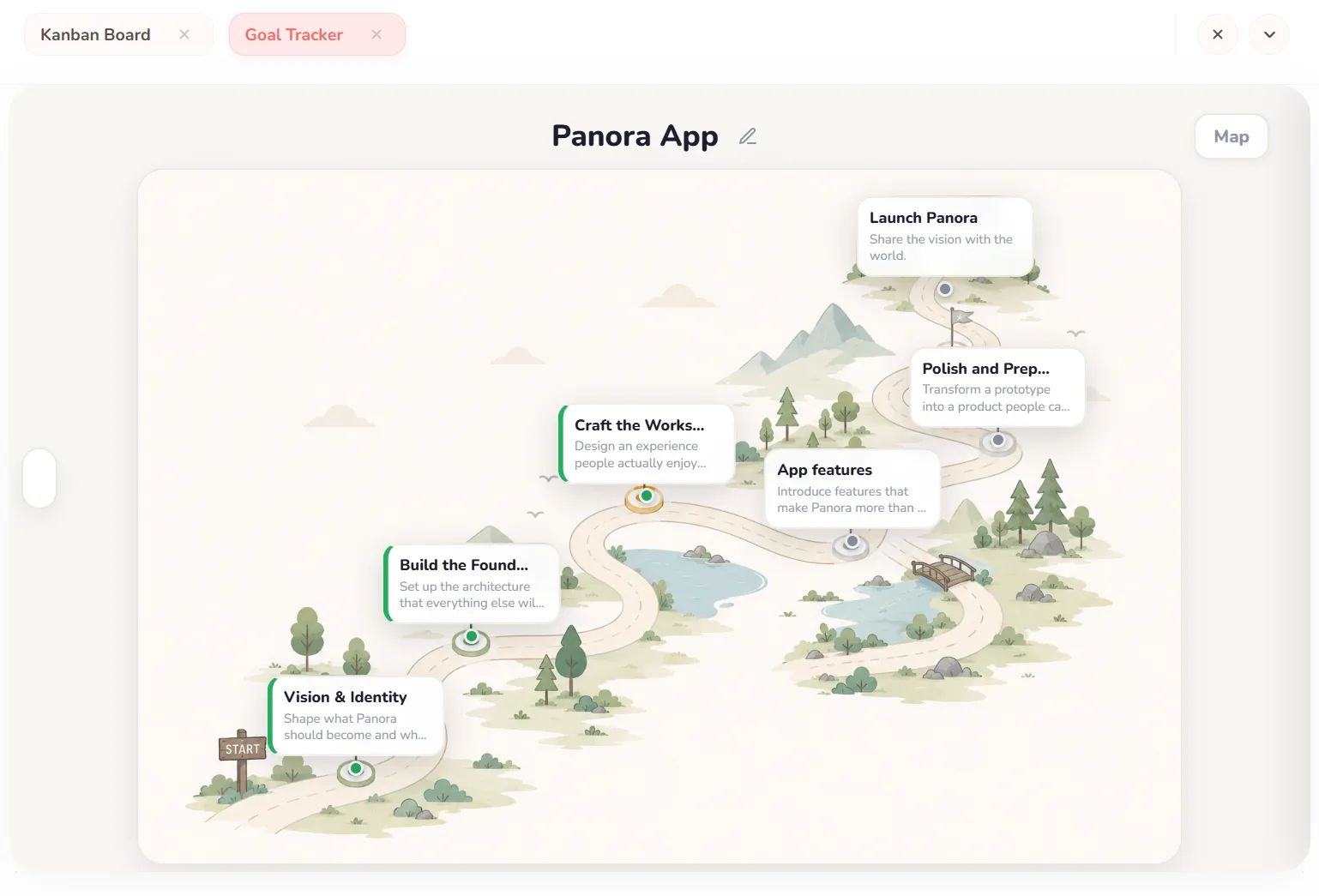
- Goal tracker
- Excalidraw
- PDF studio
- Image studio
Every kind of file, one window.
No more double-clicking and waiting for another program to load. Files open in tabs right next to your folders, so you can view them, edit them, convert them and save them.
File Explorer
Browse folders in grid, list or tree view. Add colored tags and short notes to files, then search by name, tag or note text. Favorites and visual folder cards take you straight back to the places you use most.
PDF Studio
Merge, split, rotate, reorder, delete and compress pages. You can also export pages as images.
Image Studio
Crop, convert and remove backgrounds. It also opens HEIC photos from your phone.
Data & Spreadsheets
View big CSV and Excel files as tables and convert between formats in one click.
Code & Text Editor
A tabbed editor with syntax highlighting. It stays responsive with large files.
Jupyter Notebooks
Open .ipynb files and run Python cells with charts and images shown inline.
Needs Python installed on your computer.Media & Documents
Play local videos in the built-in player, preview Word documents and read PDFs, all in tabs. Your reference material stays in the same workspace as your notes.
Local by design
Your notes, boards and diaries are saved on your own computer. No cloud account holds your files.
Stays fast as you grow
Each board, note and diary page is saved separately, so a big library still opens quickly.
Links, not copies
When you attach a photo or file, Panora links to where it already lives instead of making a copy.
A task board, a map and an open book.
A project is rarely just one kind of work. Panora gives each kind its own space and keeps them all in the same window.
"What needs doing?"
"Where am I heading?"
"What do I want to remember?"
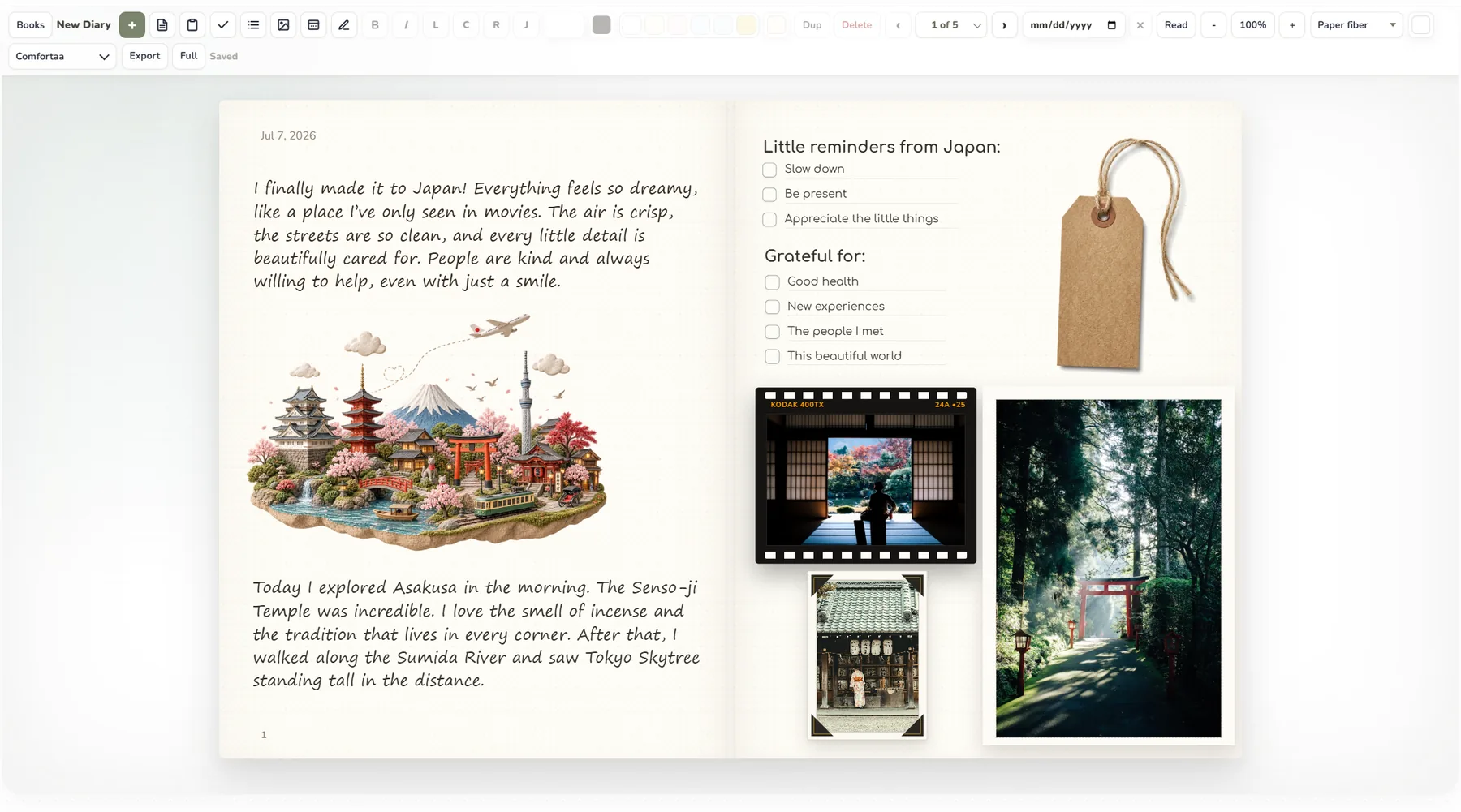
A diary that feels like real paper.
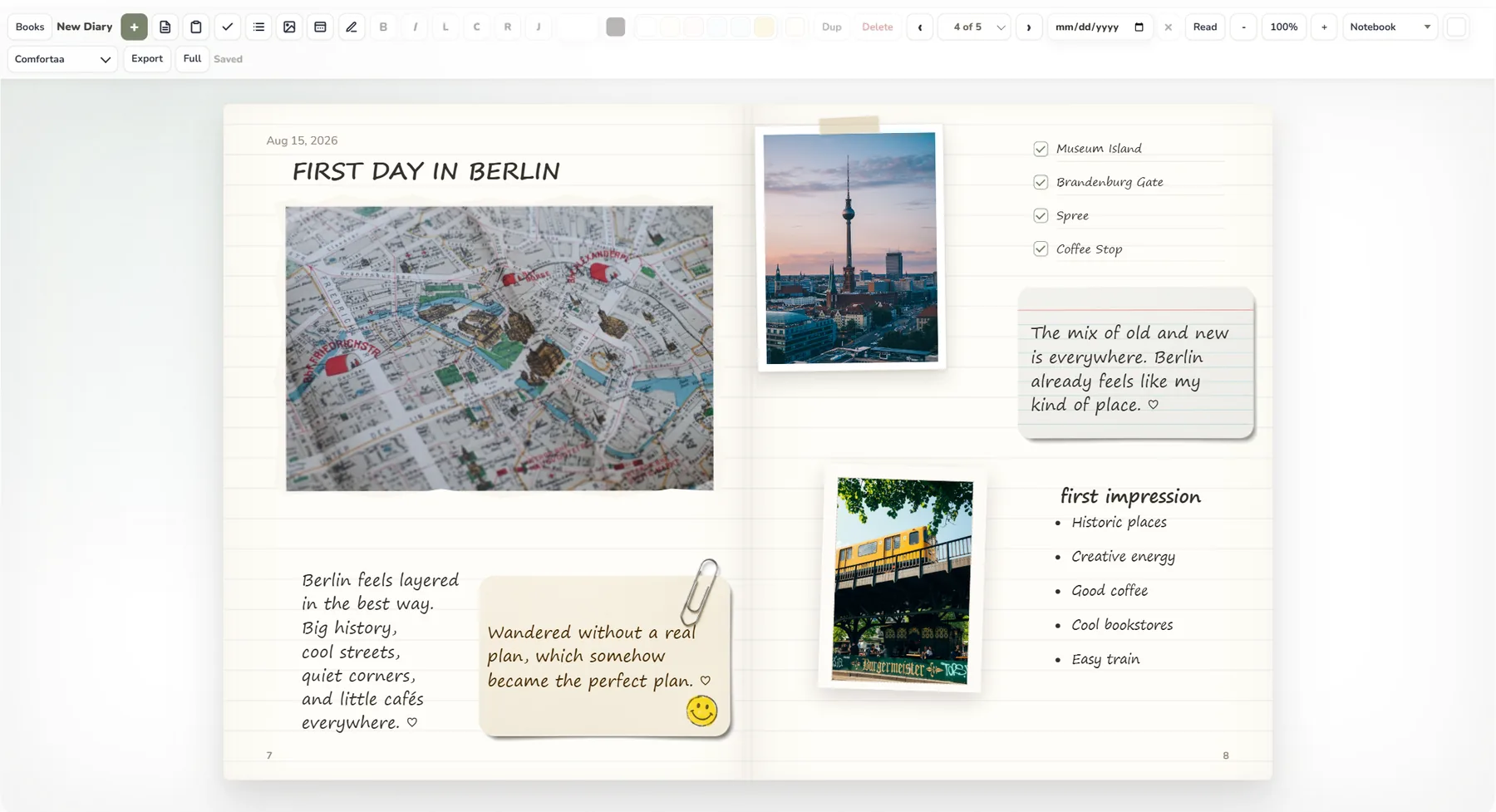
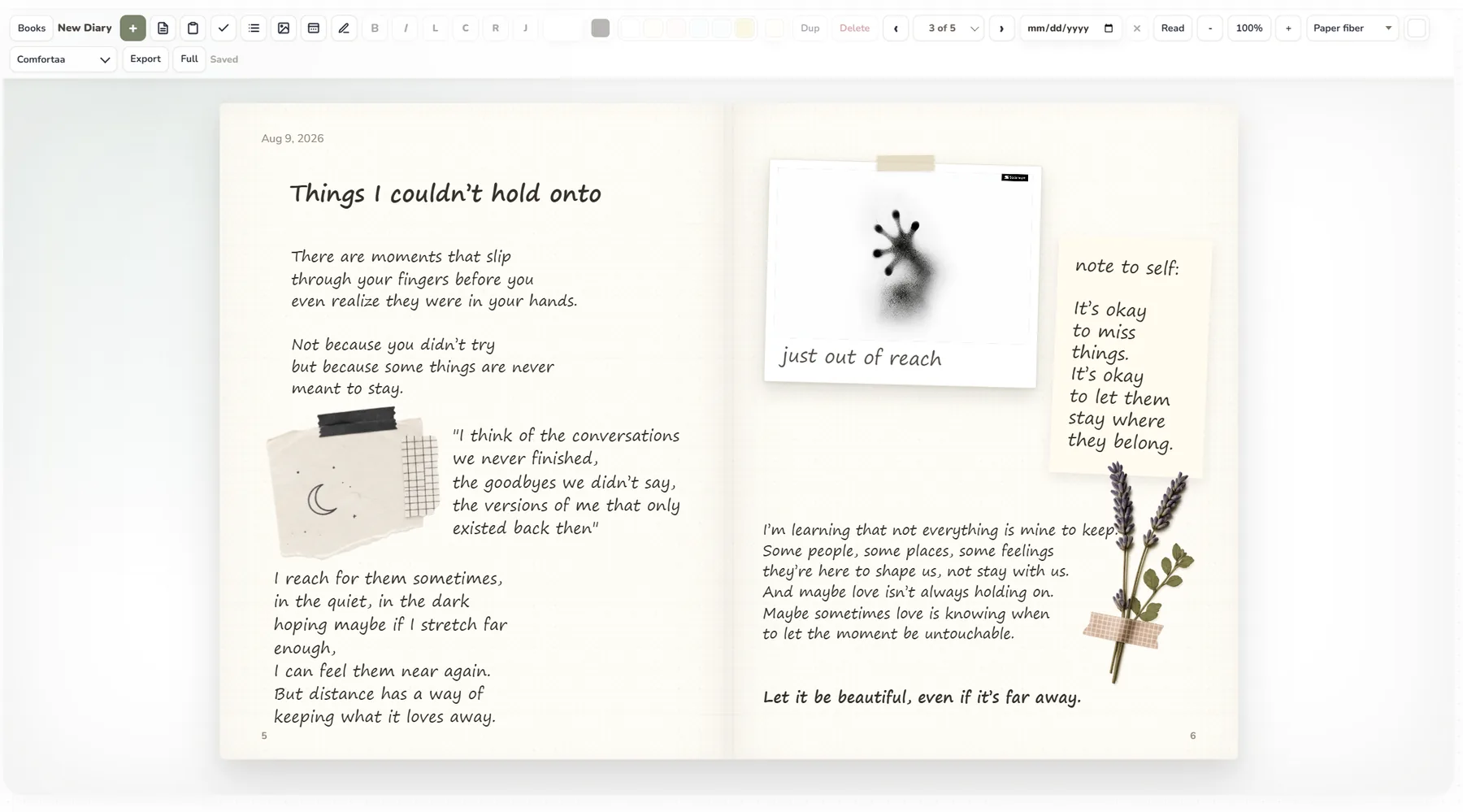
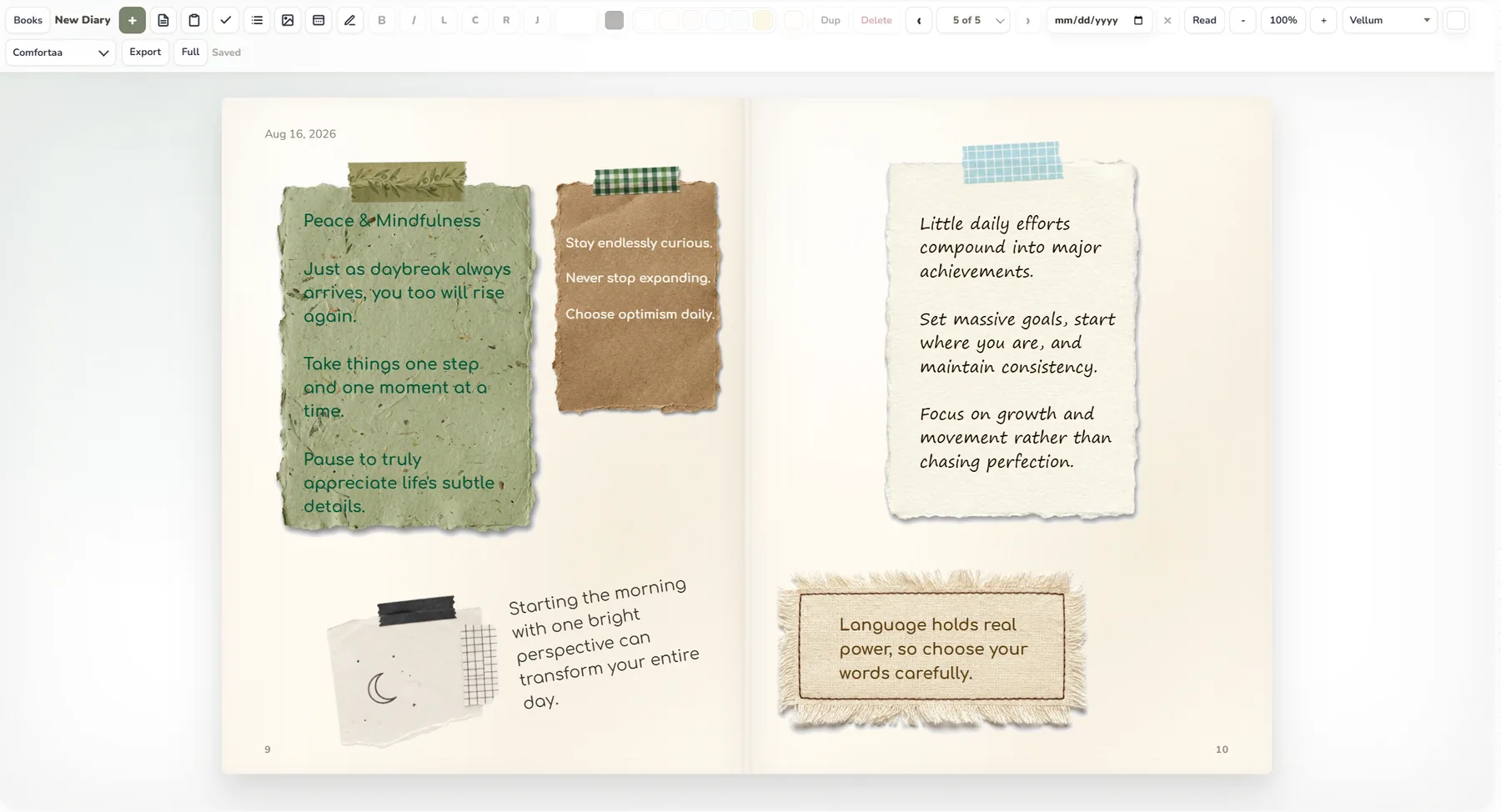
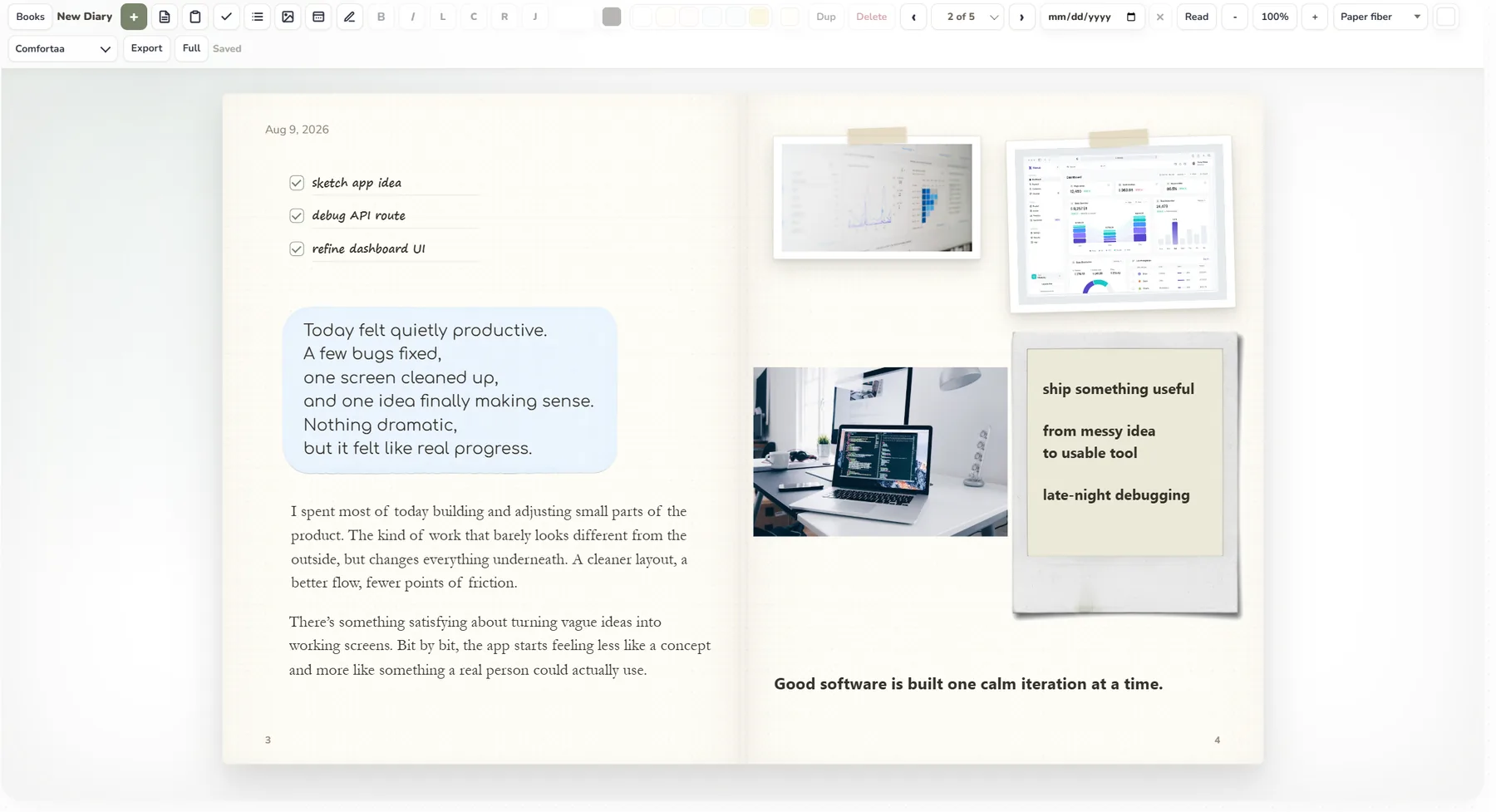
Fill two-page spreads with words, photos and keepsakes. Arrange everything freely, the way you would in a scrapbook.
- Polaroids with tape, sticky notes and checklists
- Handwritten, serif, journal and mono fonts
- Paper fiber, linen, notebook and vellum textures
- Washi tape, film frames, torn edges and paperclips
- A bookshelf of diaries, each with its own cover. Use one for travel, one for reading, one for reflection
Plan, write and think in one place.
Each app opens in a tab next to your files. You can attach a document to a Kanban card or drop a photo onto a board without switching windows.

Your day, at a glance.
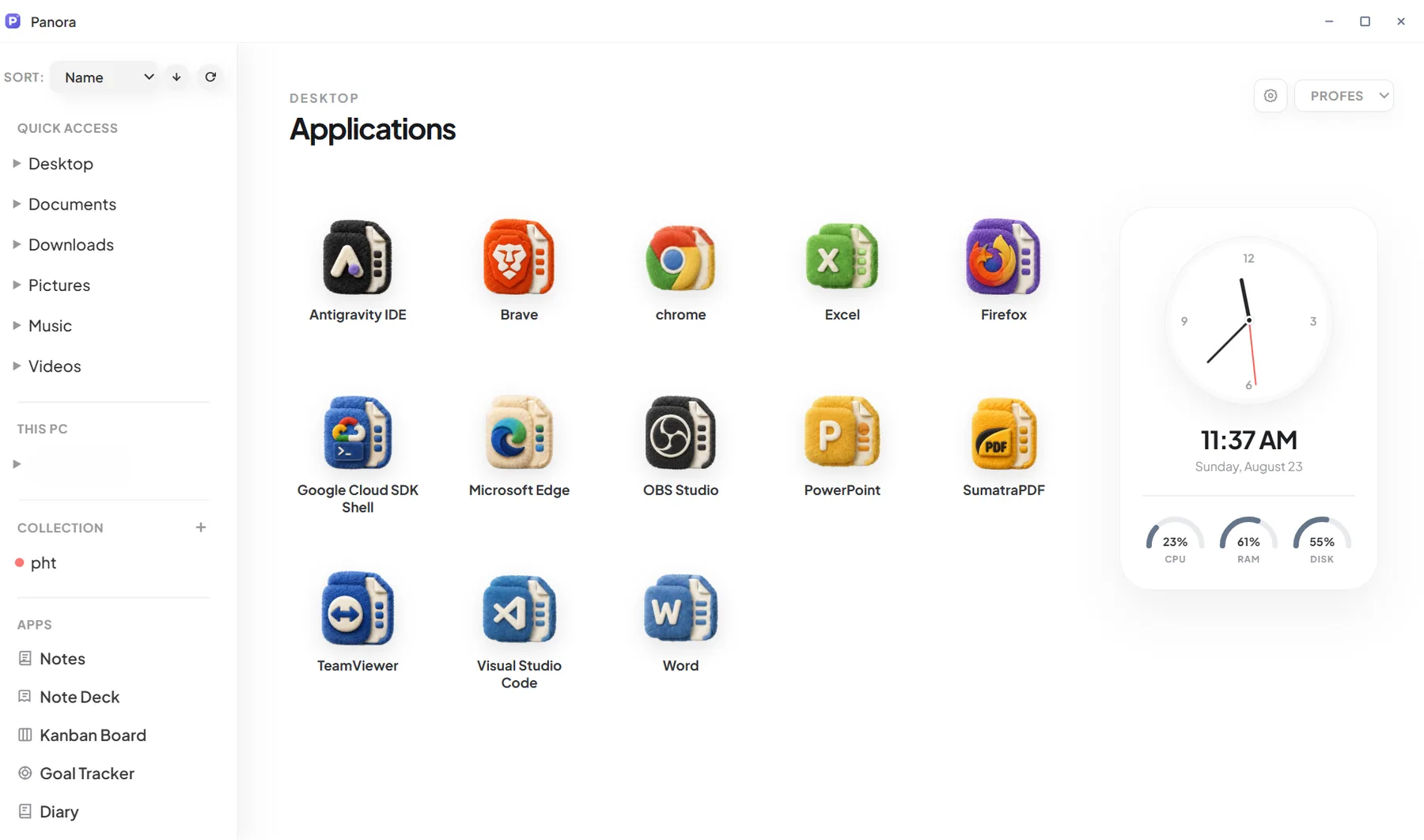
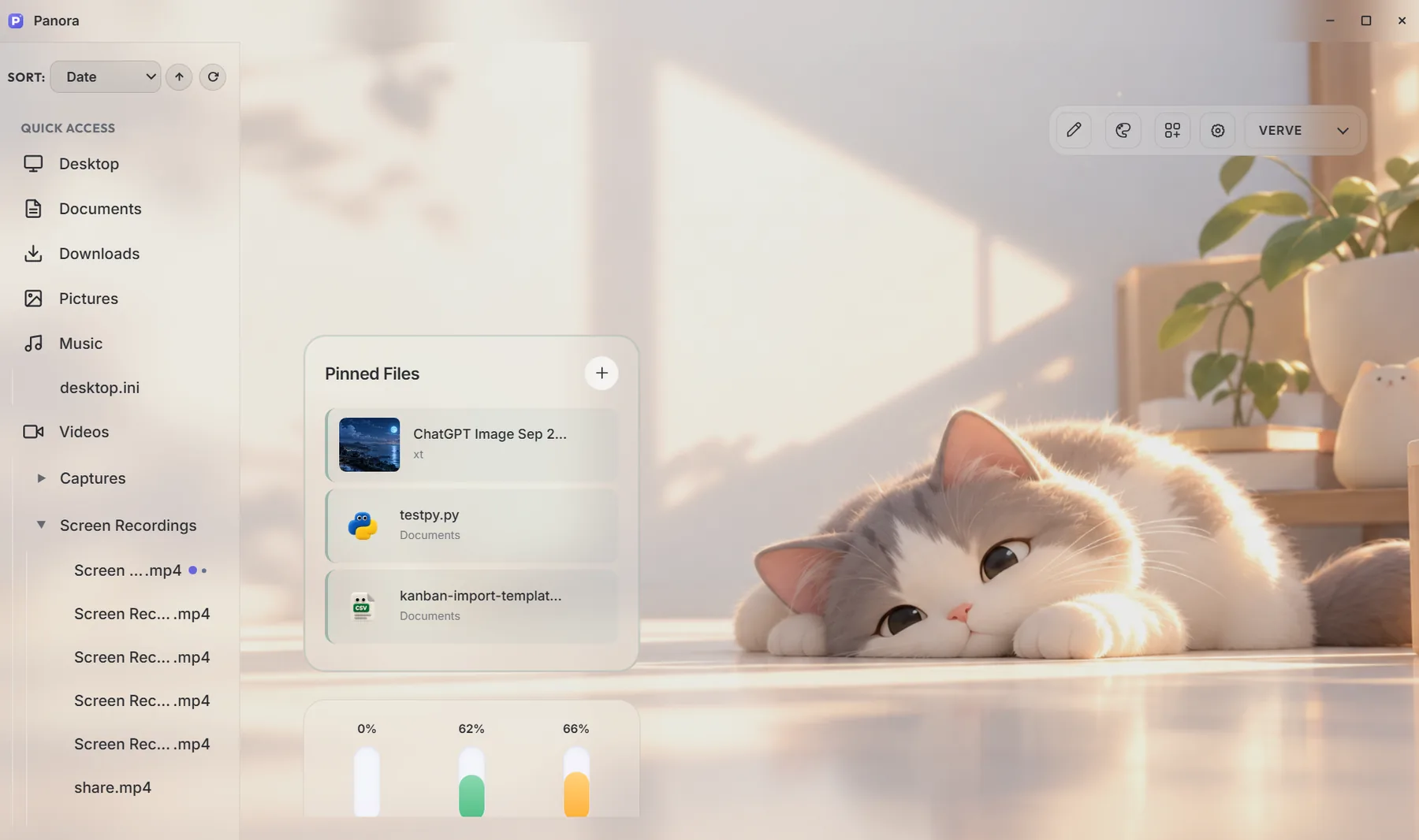
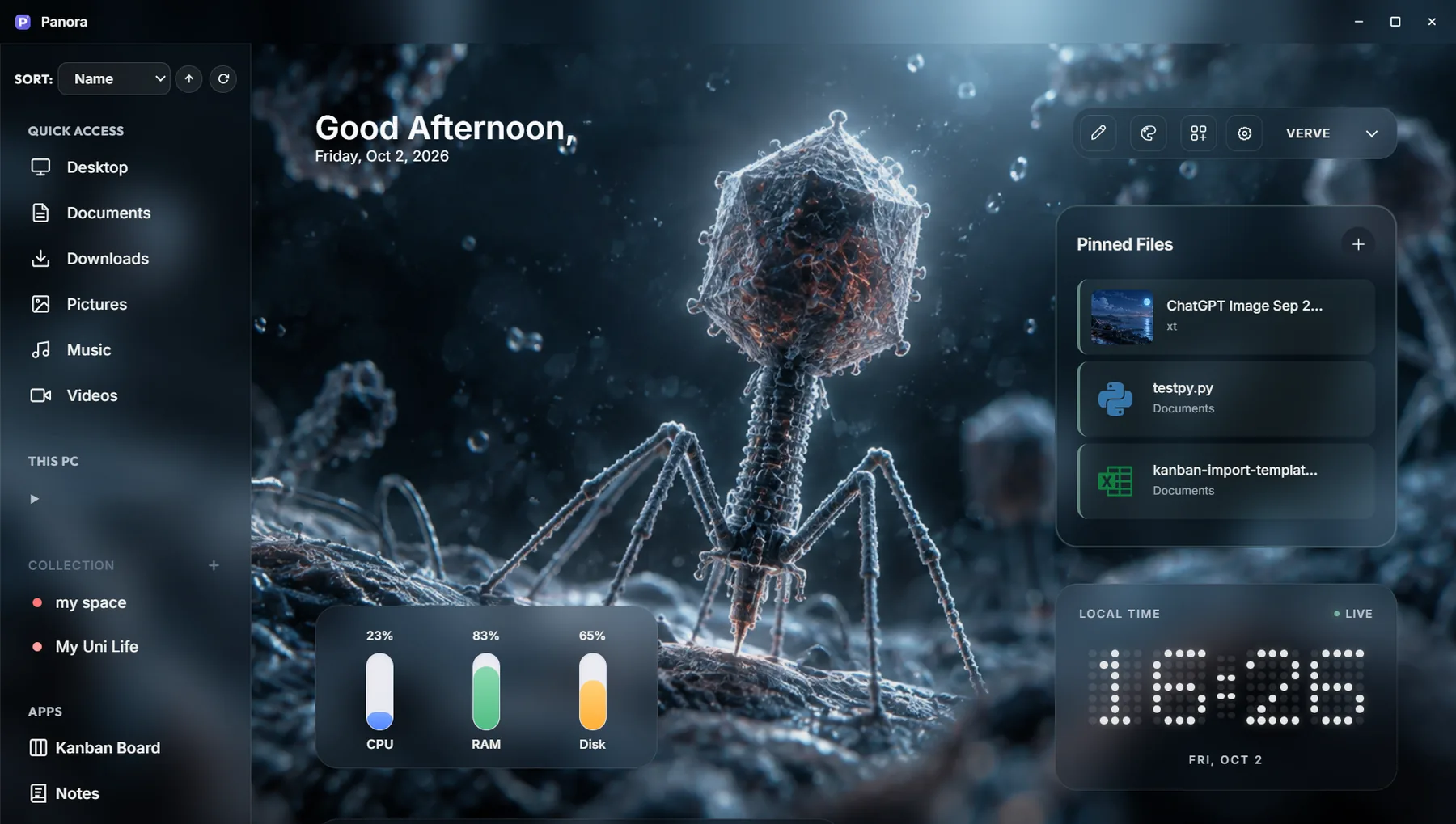
Home is a dashboard you build yourself. Choose from 20 widgets for planning, files and information, then arrange and resize them however you like.
Good morning.
Example layout · sample data10:00 – 11:30
16:00
Plan your day
For daily actions, events, focused work and routines.
- Today Daily checklist
- Calendar & Agenda Planner · Agenda
- Focus Timer Original · Quiet
- Countdown Featured · Compact
- Habit Tracker Week · Minimal
- Tasks & Reminders Original · Timeline
Reach your work faster
Shortcuts back to files, apps, workspaces and copied text.
- Quick Launch Original · Dock
- Desktop Apps Original · Launchpad
- Pinned Files Original · Shelf
- Workspace Shortcuts Original · Board
- Recent Files Original · Stack
- Clipboard History Last 15 copies
- Downloads Overview By age, size, type
Information with personality
Useful at a glance, and they make Home feel like your own desk.
- Clock Digital · Flip · Pixel · Analog
- Notes Paper style
- Photo Original · Frame
- System Status Original · Instrument
- Usage Bars Original · Spectrum
- Storage Original · Dashboard
- Battery & Devices When supported
Choose your tools
Open the widget library and pick the ones you want on Home.
Arrange & resize
Drag and resize widgets freely, or snap them to smart guides or a grid.
Pick a design
Most widgets have more than one look, such as a Quiet timer, a Shelf of files or an Analog clock.
Set the atmosphere
Add a wallpaper, adjust dimming and give panels a soft frosted-glass look.
Make it look your way.
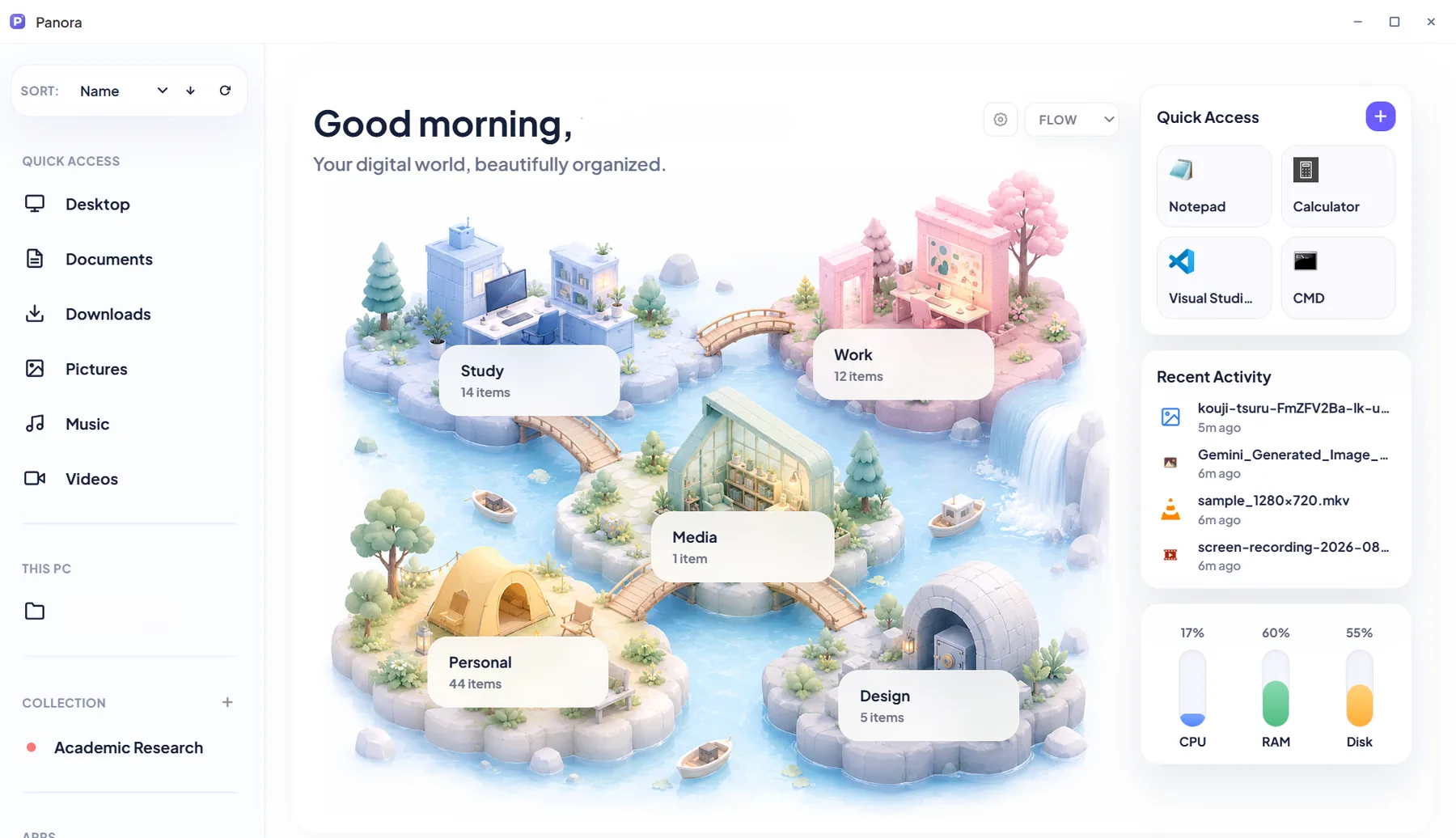
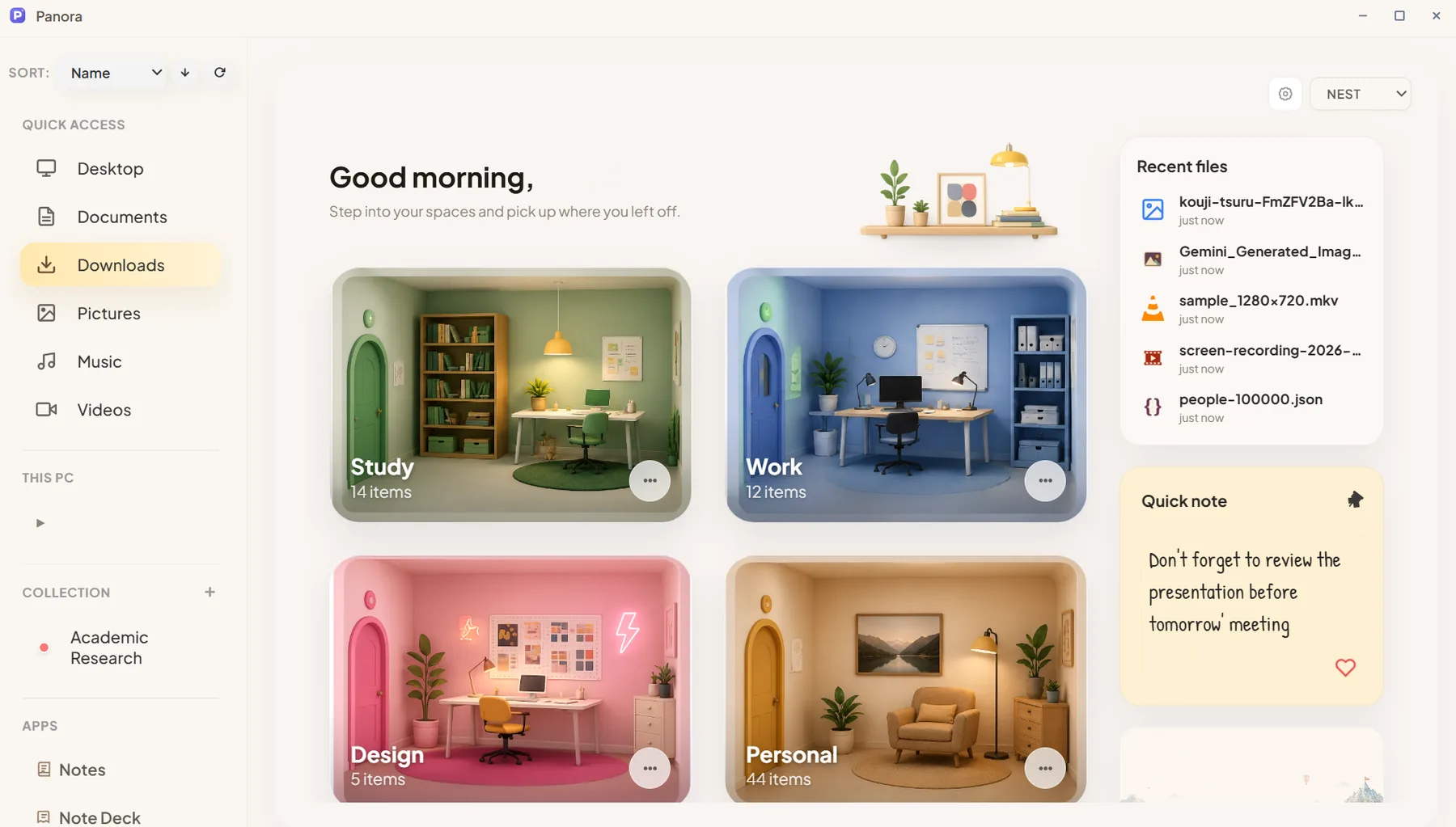
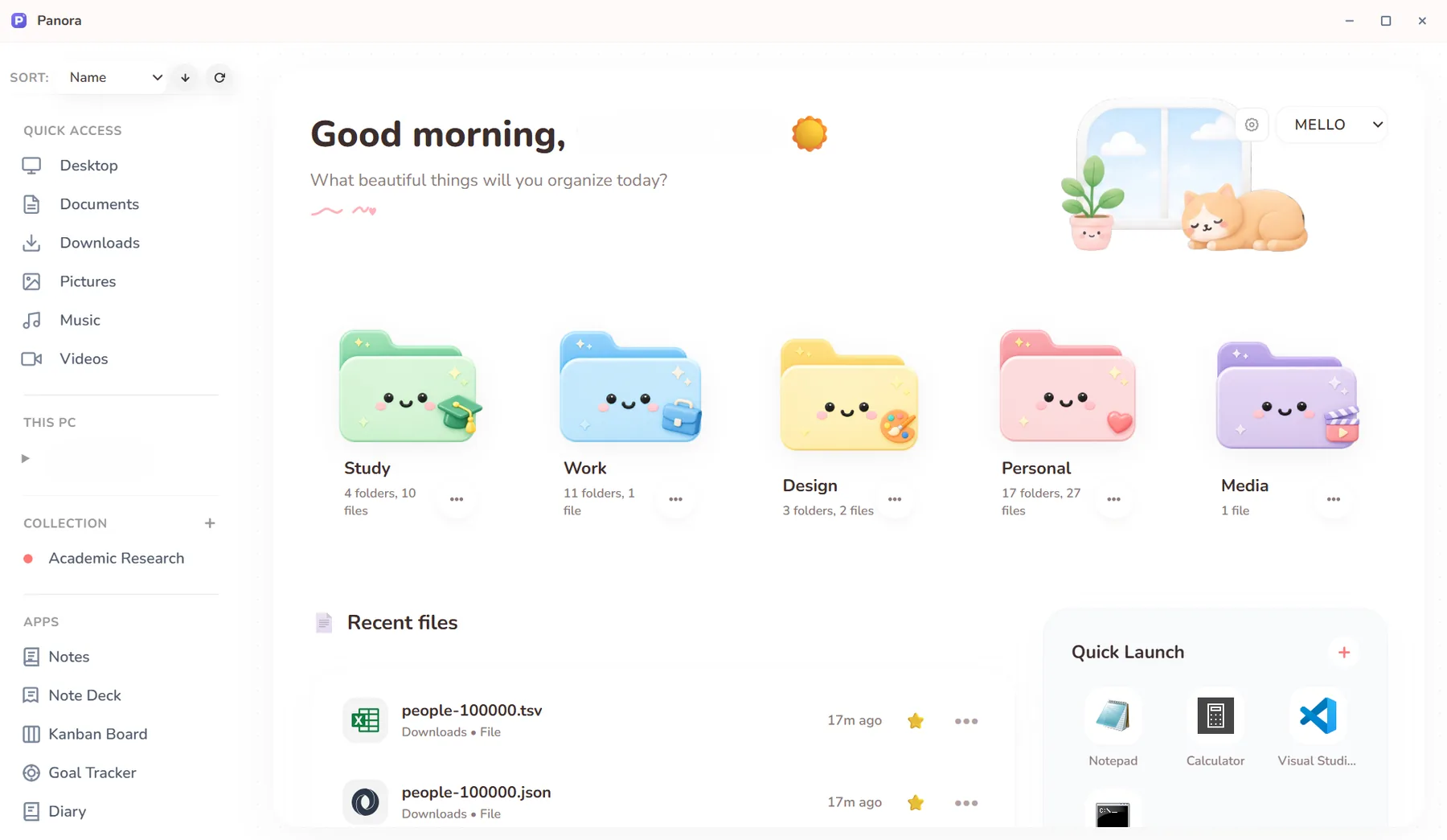
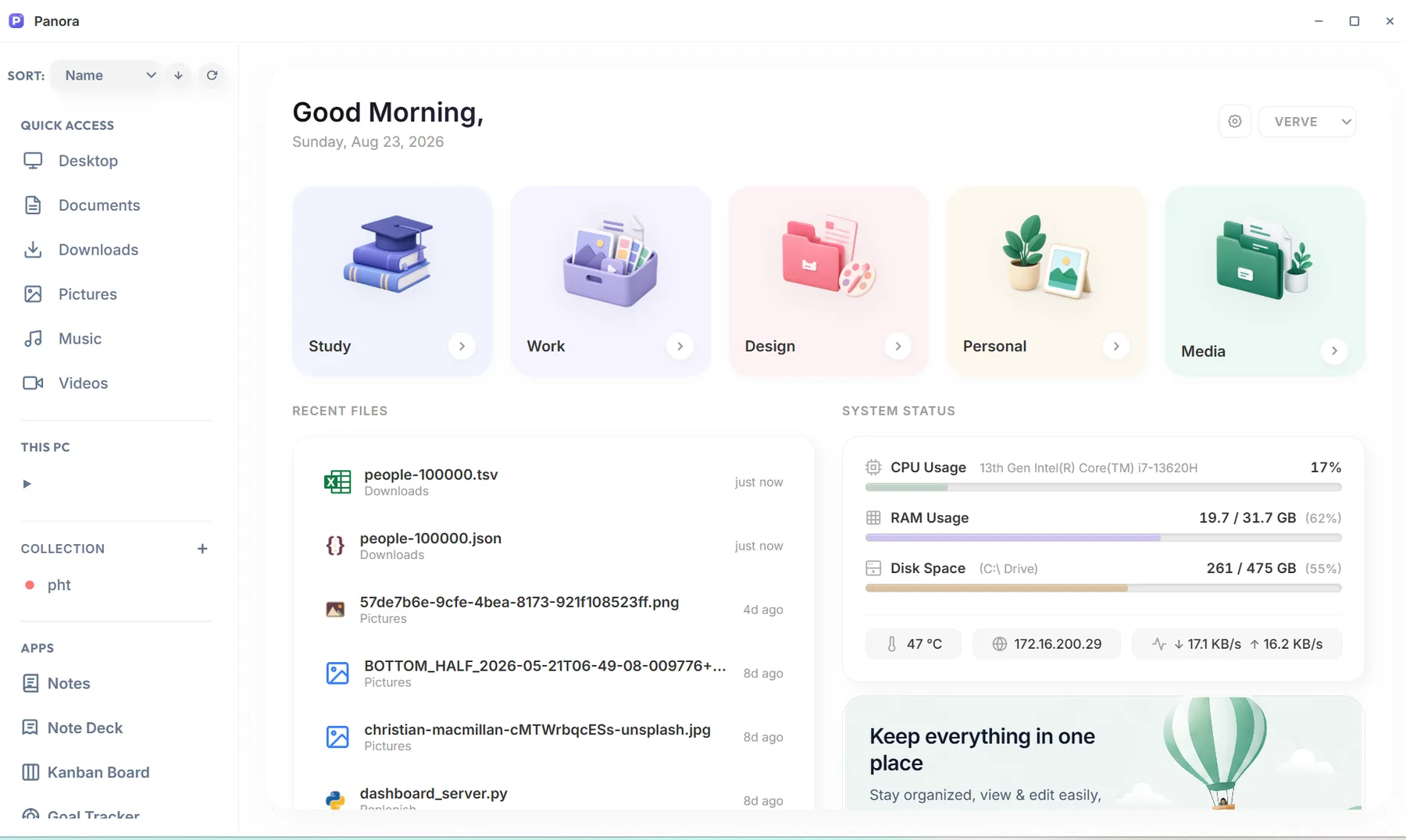
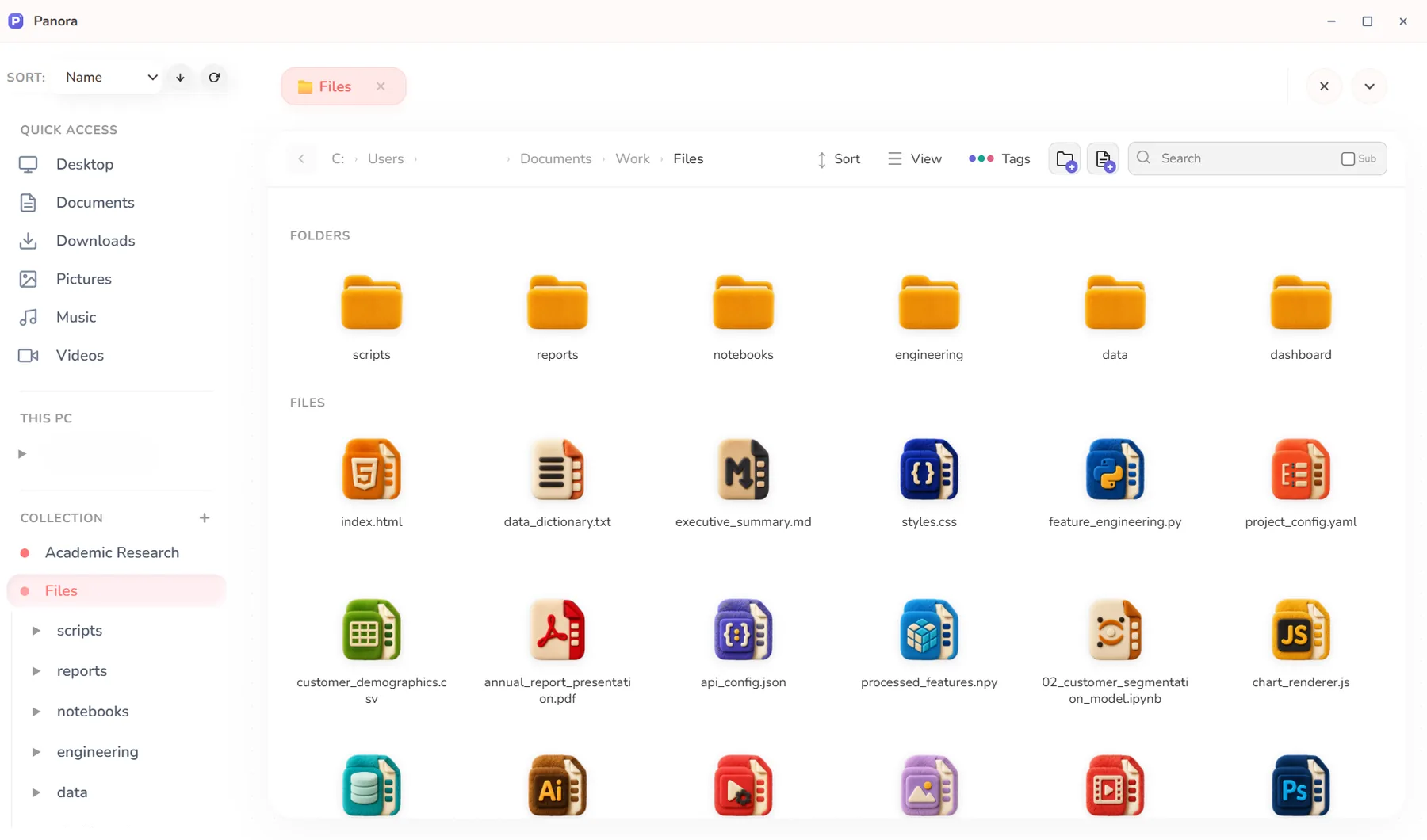
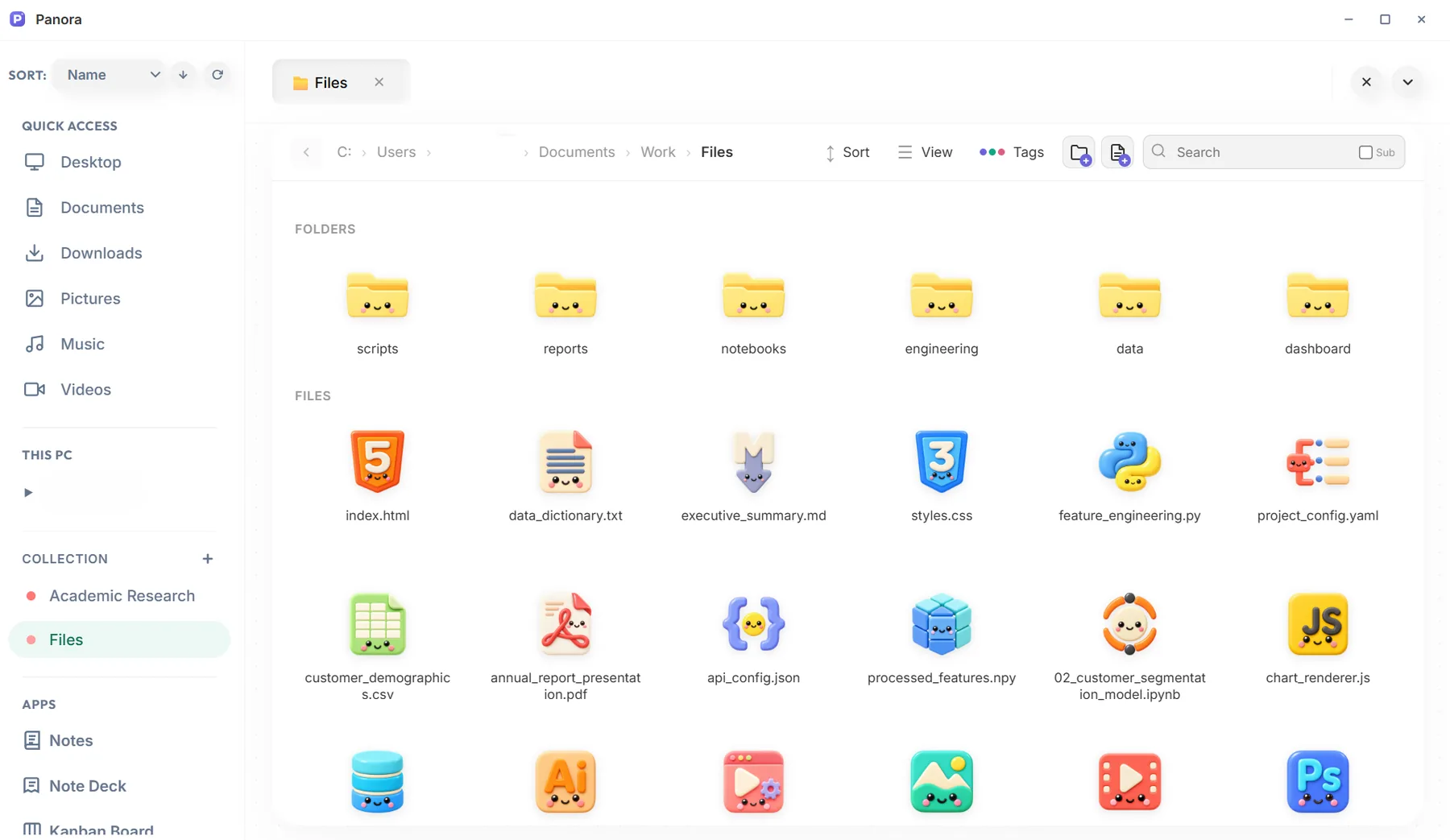
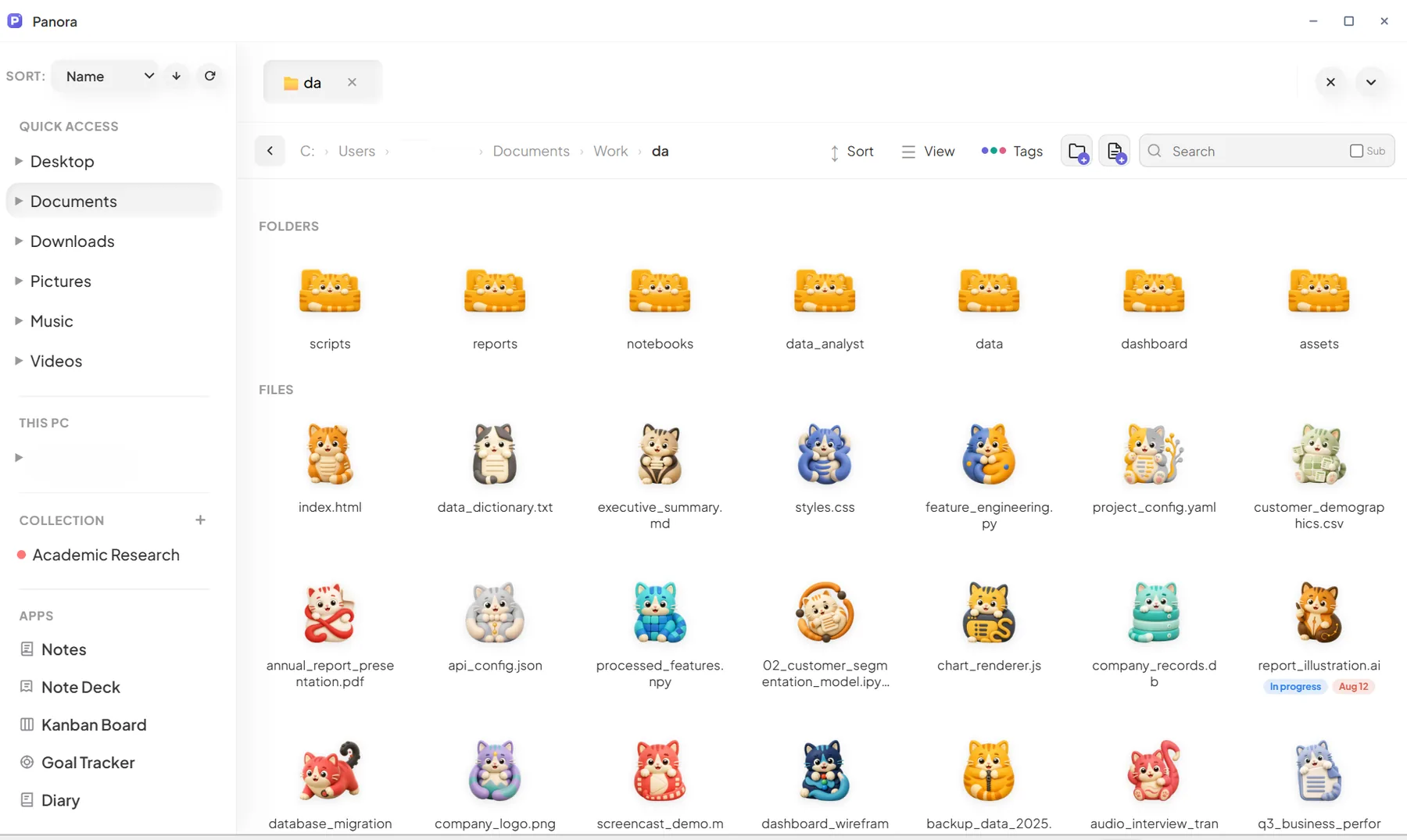
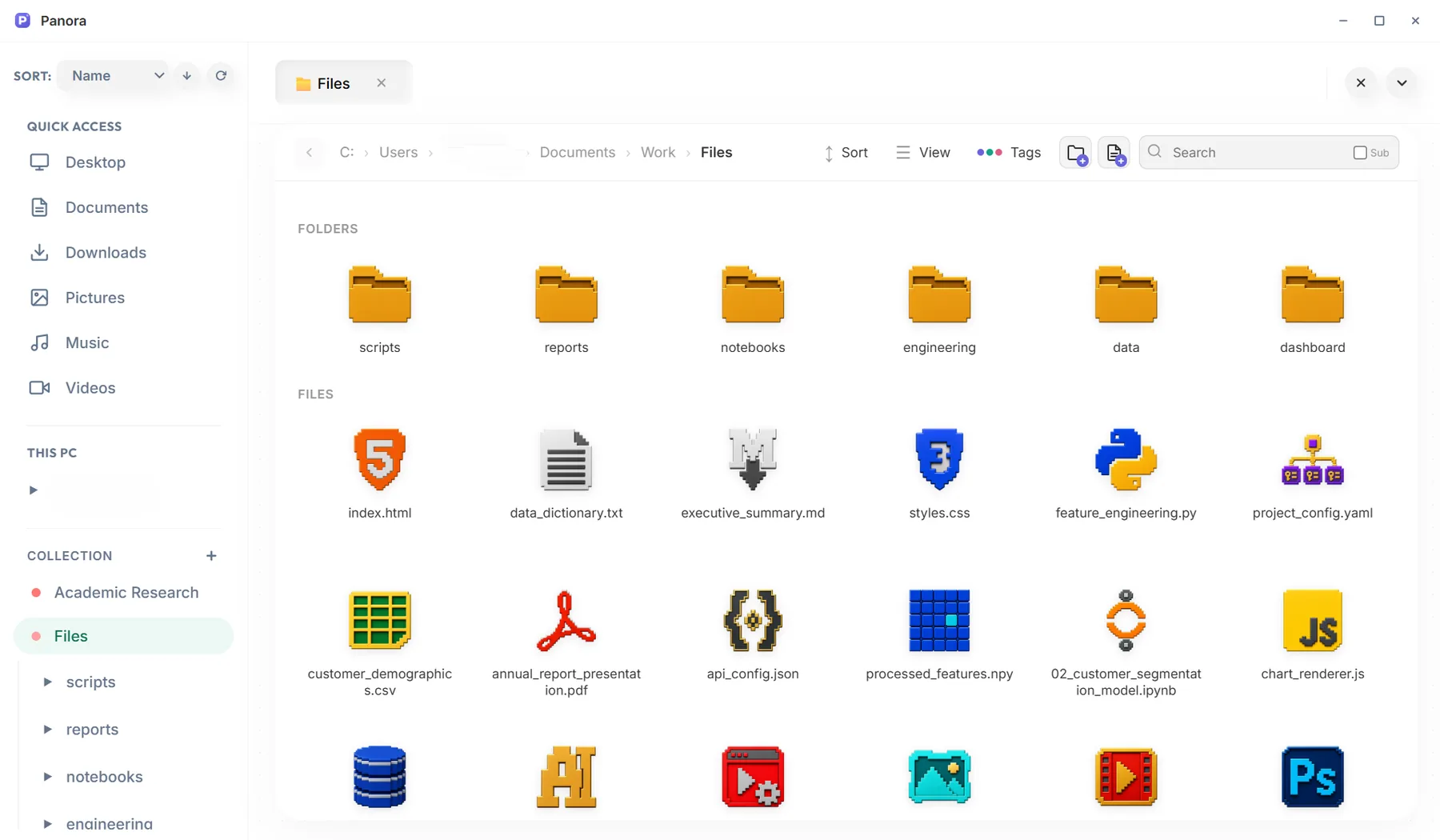
Start from one of eight presets: Flow, Nest, Mello, Verve, Clean, Graphite, Profes or Hearth. Then make it yours with a wallpaper, light or dark mode, folder cards in your own colors or images, and new icons.
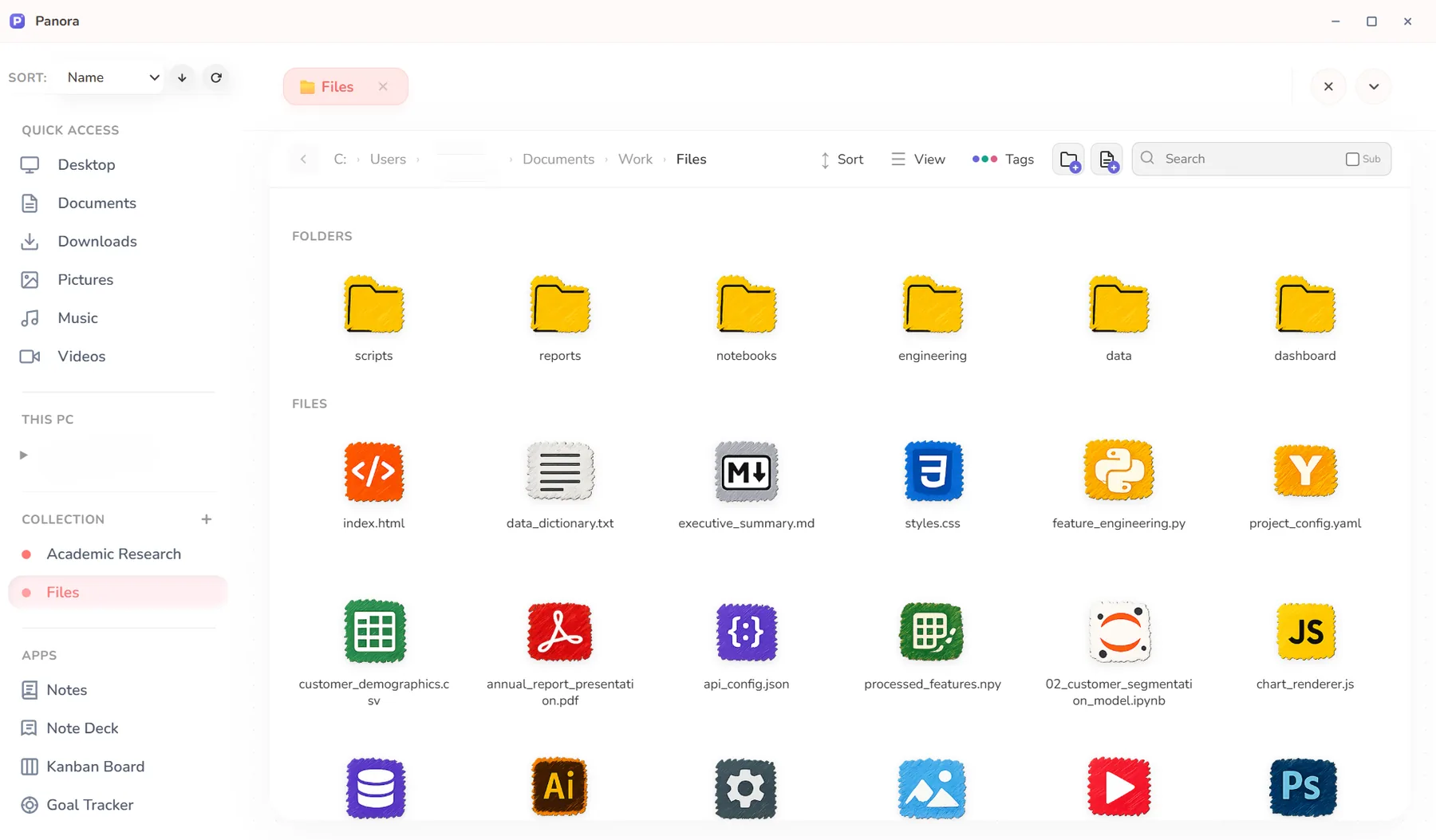
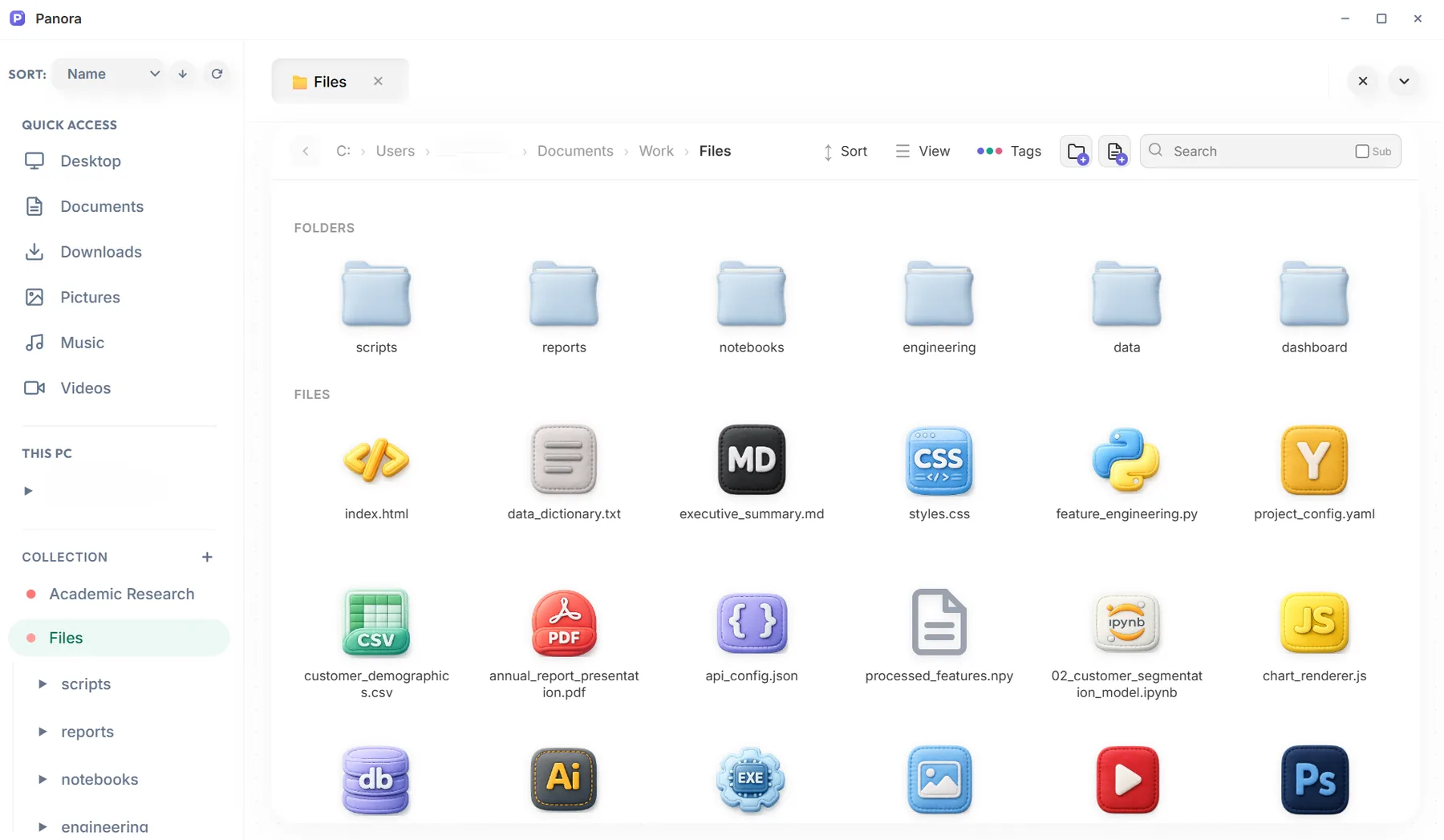
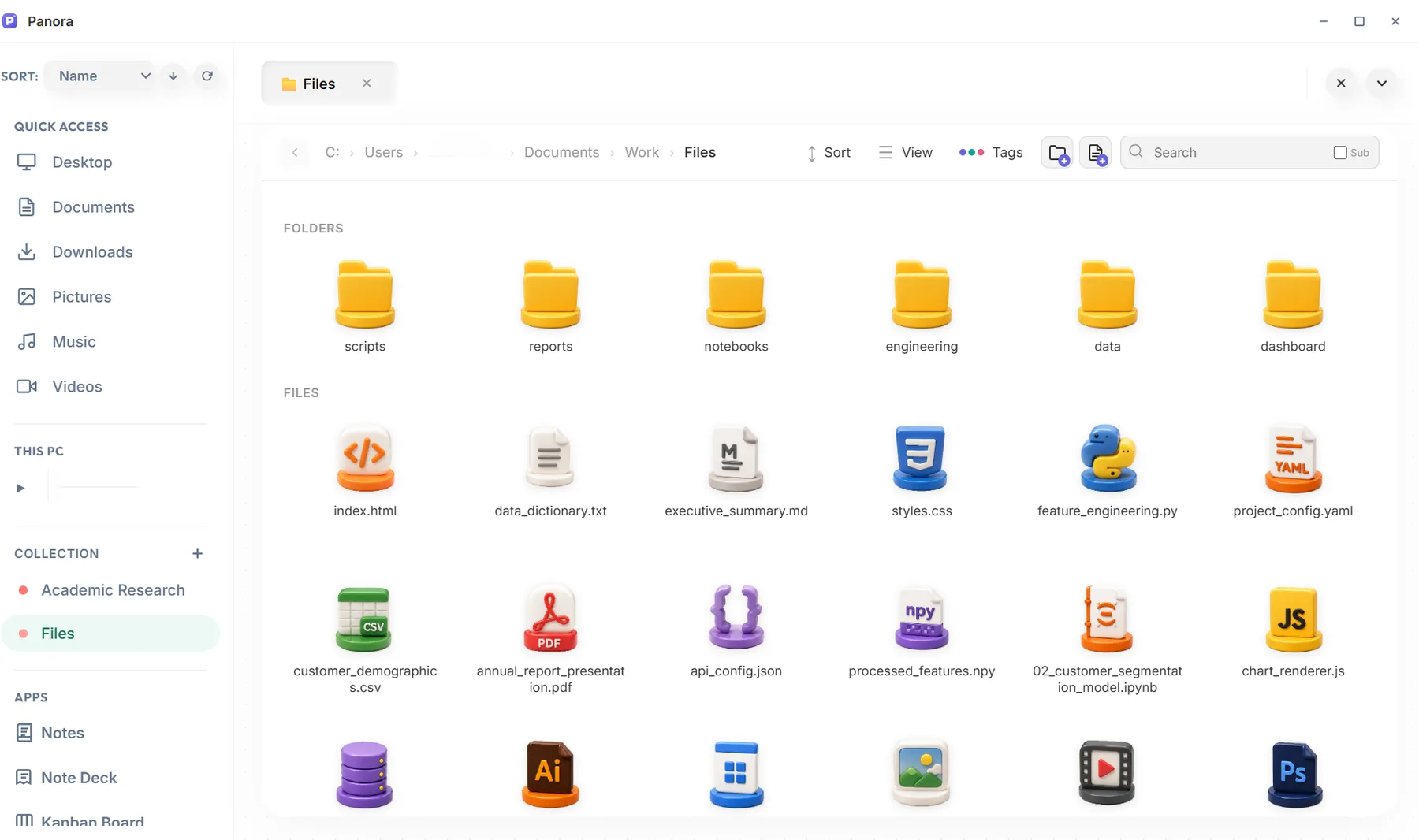
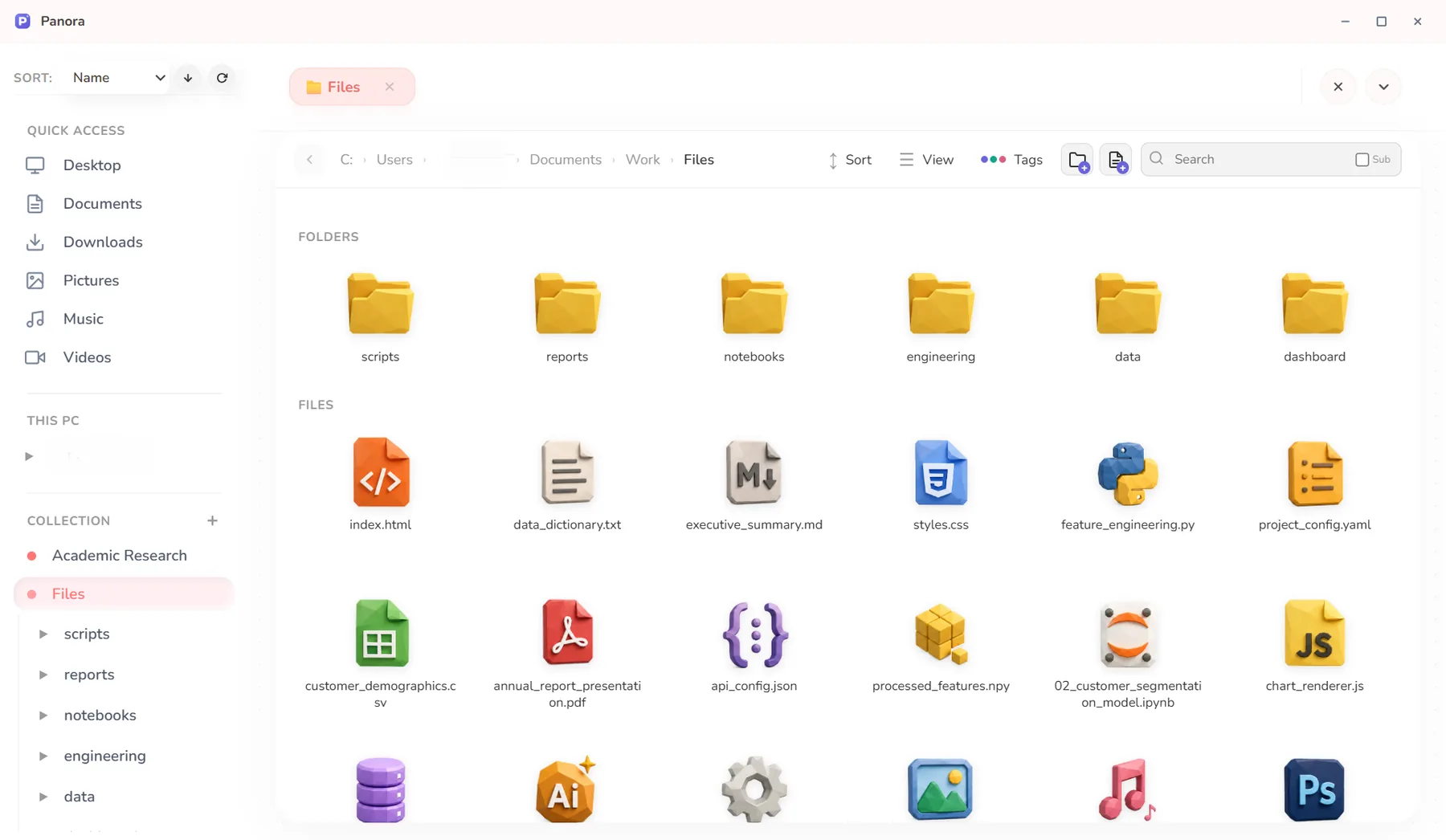
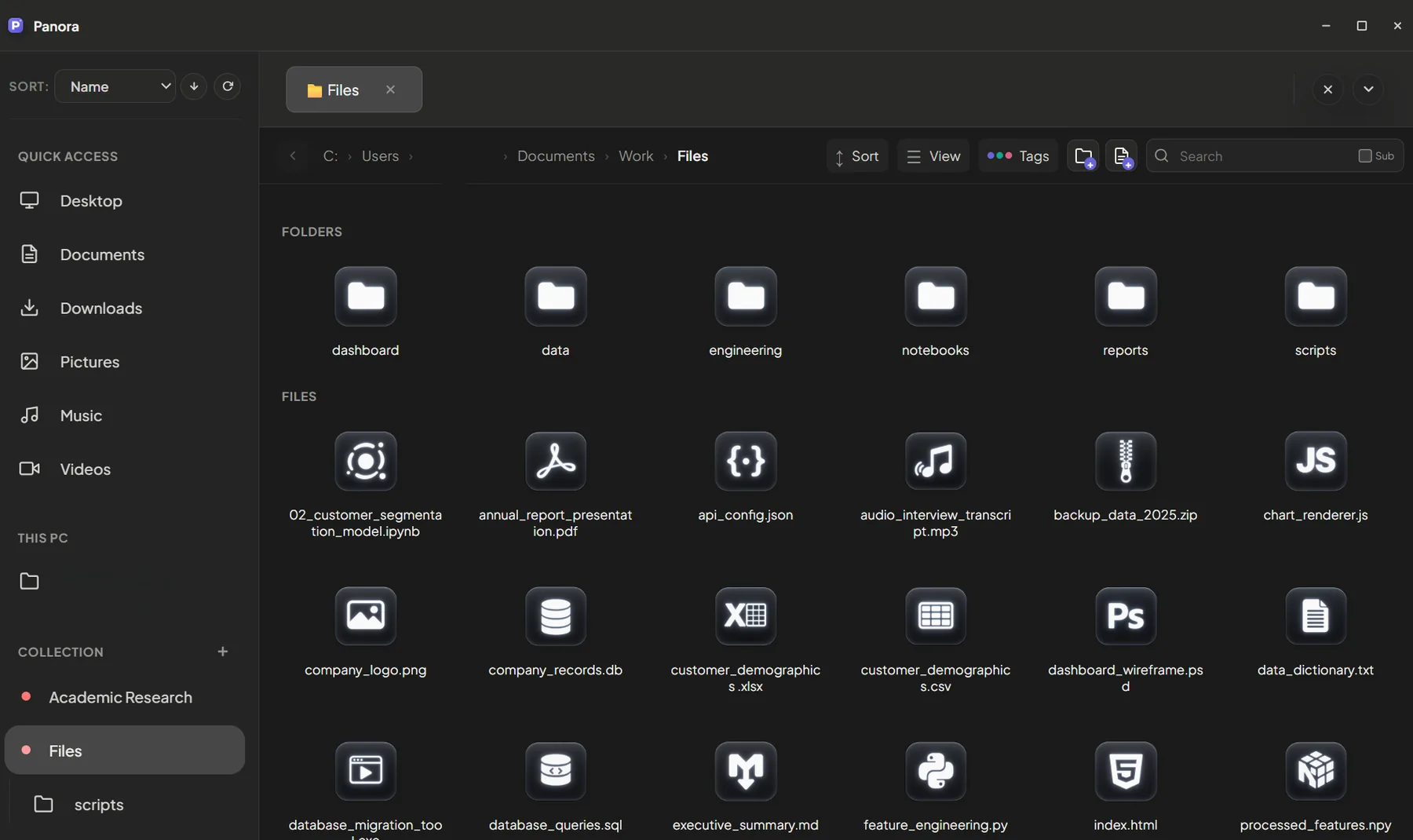
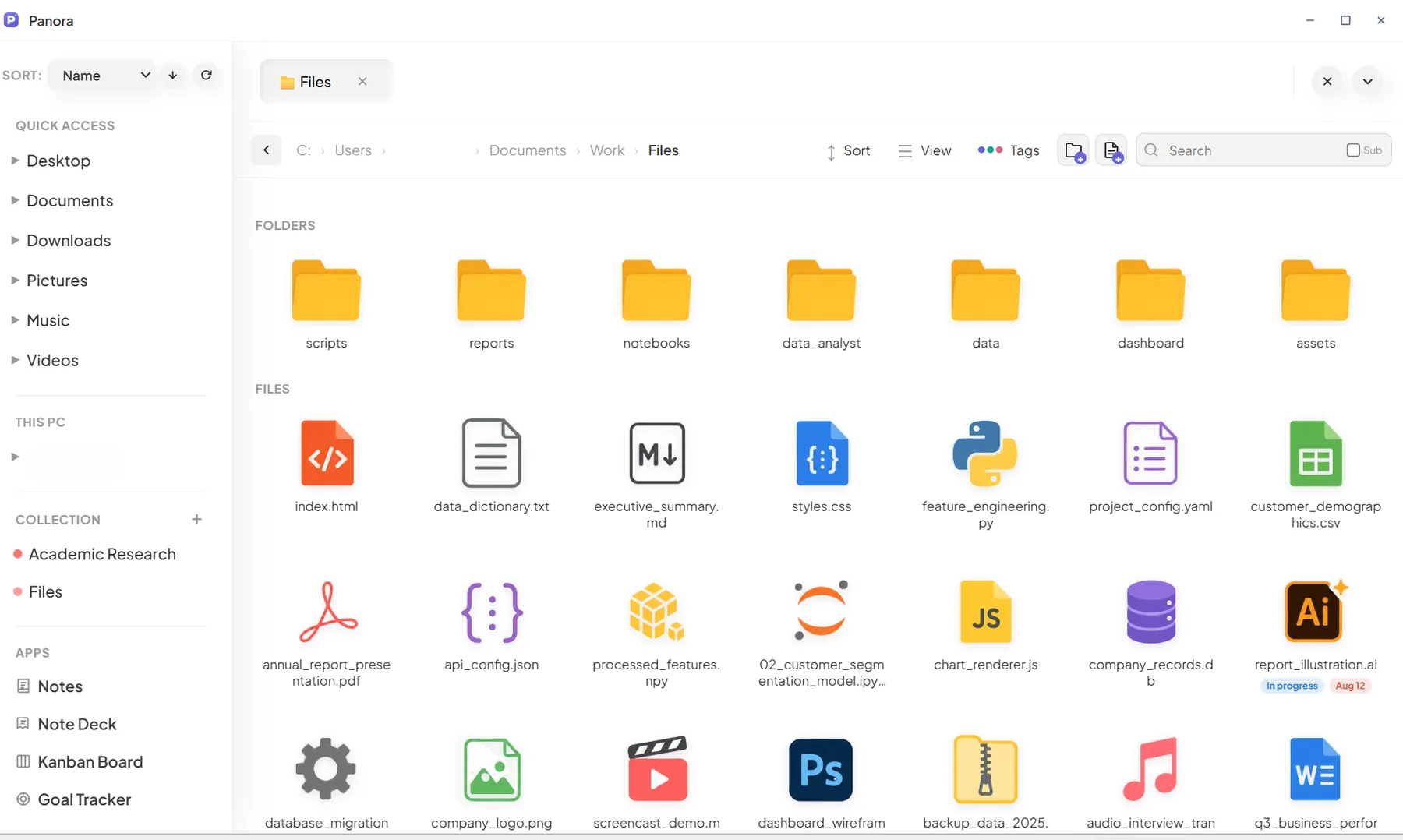
10 icon packs. Or bring your own.
Every file type gets a matching icon. Swap packs whenever you like, or upload your own images for folders, extensions and app shortcuts.
From scattered files to a clear next step.
A few ways people combine Panora's tools. You decide the order and Panora keeps everything in one place.
A study session
- Tag readings
- Read the PDF
- Notes
- Excalidraw
- Kanban
- Goal Tracker
Tag the key readings in your course folder and capture the main points in Notes. Sketch a hard concept in Excalidraw, add revision tasks to Kanban, and track course milestones in Goal Tracker.
A creative project
- Gallery
- Canvaya
- Image Studio
- Kanban
- Diary
Browse images in the gallery and collect references on a Canvaya board. Crop or convert the ones you choose, track production in Kanban with the files attached, and keep a Diary of the story behind the work.
A weekly reset
- Calendar
- Tasks
- Downloads
- Note Deck
- Diary
Check upcoming events on Home and review your tasks. Clean up your Downloads folder by age and size, update next week's plans in Note Deck, and finish with a short Diary spread.
A technical session
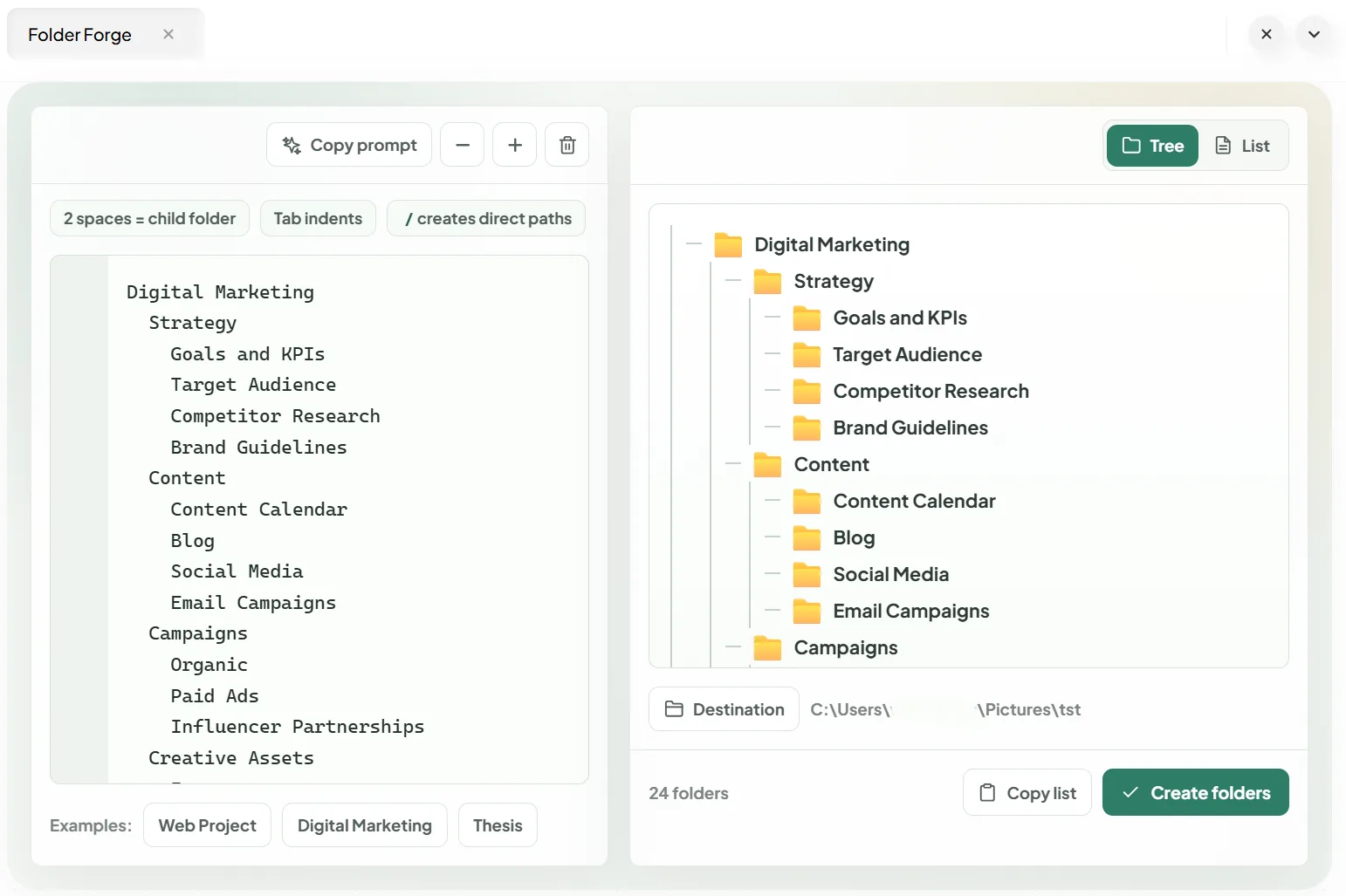
- Folder Forge
- Code tabs
- CSV table
- Convert
- Notes
Set up a new project's folders with Folder Forge. Then open code in tabs, inspect a CSV as a table, convert data to the format you need, and keep working notes next to the files.
Pay once. It's yours.
One-time payment for the full Panora desktop app. No subscription and no in-app purchases.
Buy Panora nowEverything included
- Diary, Kanban, Notes, Note Deck, Canvaya, Goal Tracker, Folder Forge and Excalidraw
- File explorer with tags, notes, favorites and tree view
- PDF, Image and Data studios
- Code editor and Jupyter notebooks
- Home dashboard with 20 widgets
- 8 dashboard presets, light & dark, custom wallpapers
- 10 icon packs, plus your own custom icons
Questions, answered.
Is this a subscription?
No. You pay $19.99 once and the app is yours to keep. There are no monthly fees.
Which operating systems does Panora support?
Panora is a desktop app for Windows. You download it and install it like any other program.
Where is my data stored?
On your own computer. Your files stay where they are on disk, and notes, boards, diaries and goals are saved locally by the app. Photos and attachments link to their original location, so if you move or delete the original file, Panora can't show it anymore.
Does Panora sync to the cloud or back up my data?
No. Panora is local-first. It has no cloud sync, no automatic backup and no real-time collaboration. Back up your computer the way you normally do, and your Panora data comes along with it.
Does it need an internet connection?
No, the file explorer, editors and apps all work offline. Running Jupyter notebooks also needs Python installed on your computer.
Does Panora replace File Explorer?
It works alongside it. You can browse, open and organize files in Panora, and you can always open any file in its default app or show it in File Explorer.
Can I use my own icons and wallpapers?
Yes. Choose from 10 icon packs or upload your own images for folders, file types and app shortcuts. Any image can be your home wallpaper.
Give your files a beautiful home.
A personal desktop workspace for files, ideas, plans and memories. It has the warmth of a notebook and the flexibility of a digital canvas. Get it at the launch price before it goes back to $60.